
What started as just playing around with the Oculus SDK in Unity, turned into a mission to build a fully working game from scratch, with as few shortcuts [Unity Store assets] as possible.
Goal
Where it all started
A few years ago, shortly after getting my Oculus Rift CV1, I started playing around with making my own VR content in Unity. The intention was to:
- develop my Unity VR skills; thereby getting faster at building prototypes and experimenting in VR
- improve my understanding of VR from a UX perspective
- experiment with different UI options in VR
[or if UI is even required at all?!] - get a deeper understanding of the technical limitations of current VR development and how to creatively overcome them
In the beginning
Setting the scene
Ok, in hindsight it probably wasn’t the best place to start, but the first thing I wanted to do was to build the environment …after all, where’s the fun in stepping into a virtual empty room?!!
I didn’t want to attempt something realistic [I’d seen too many failed attempts at this and concluded that this just isn’t possible with the current technology], and I had an idea that something like the movie Tron would be both believable, as it somehow feels like what a world inside a computer could be like. Plus, it should be easier to build, as you could get away with something simple and wouldn’t have to worry too much about details like shadows or textures.
The visual style
The visual style came about partly because of the trend for the retro-synthwave 80s art-style that had been kicking around for a while [as seen in the video games Far Cry Blood Dragon and FRACT-OSC and movies like Kung Fury and Drive], and partly because, for some reason, I’ve just got massively into the new-wave/synthwave/retrowave music style [Starcadian, Gunship].
Gameplay
Game on!
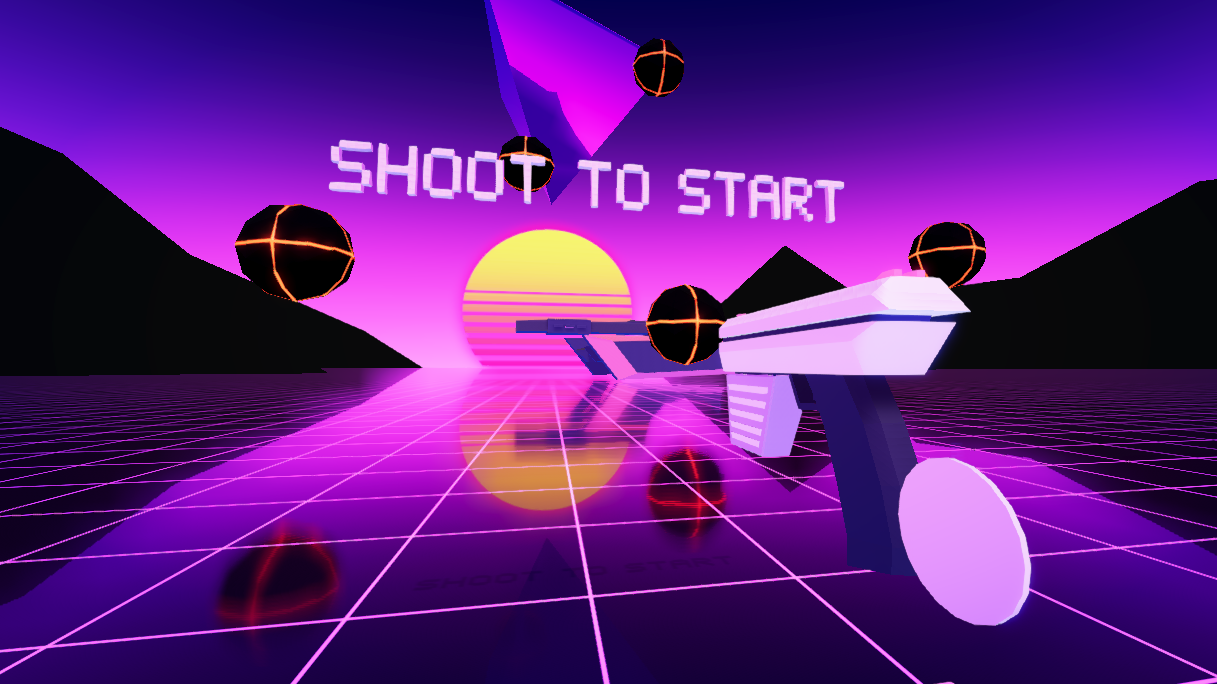
Somehow, one thing led to another, and that ‘play around’ turned into a fully working [albeit buggy] ‘wave shooter’ game – a game genre where the player has to fend off waves of enemies.
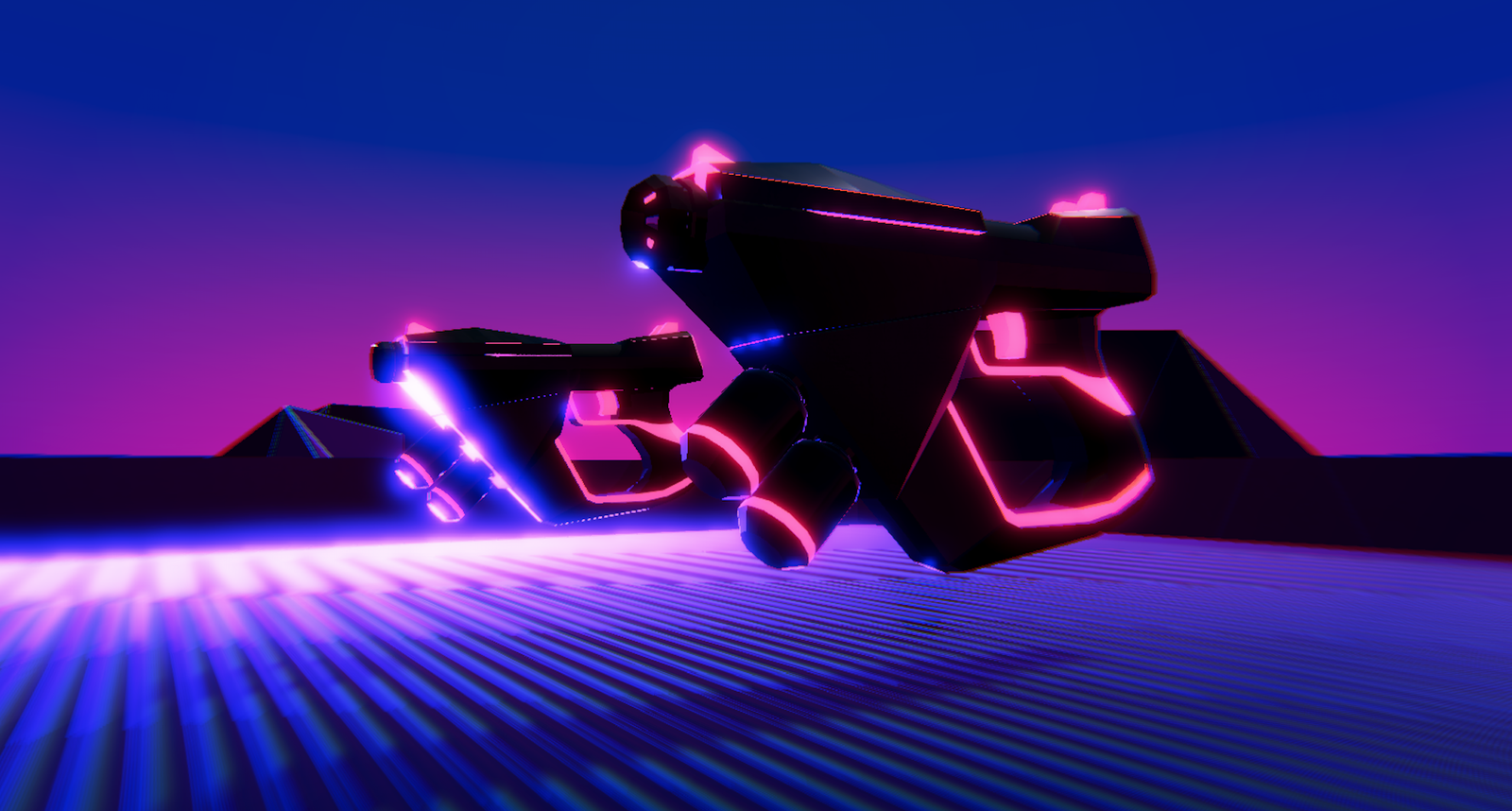
I soon came to realise that it looked like crap. So I redesigned the guns and the enemy drones, and built a few polygon mountains that I could reuse to make a mountain range in the distance.
It also needed some kind of intro scene, but I’d never liked the typical ‘floating menu’ area most VR games adopt as they’re kind of lazy and don’t use the medium properly [exactly the kind of menu I added later on as it needed something …and I was lazy!].
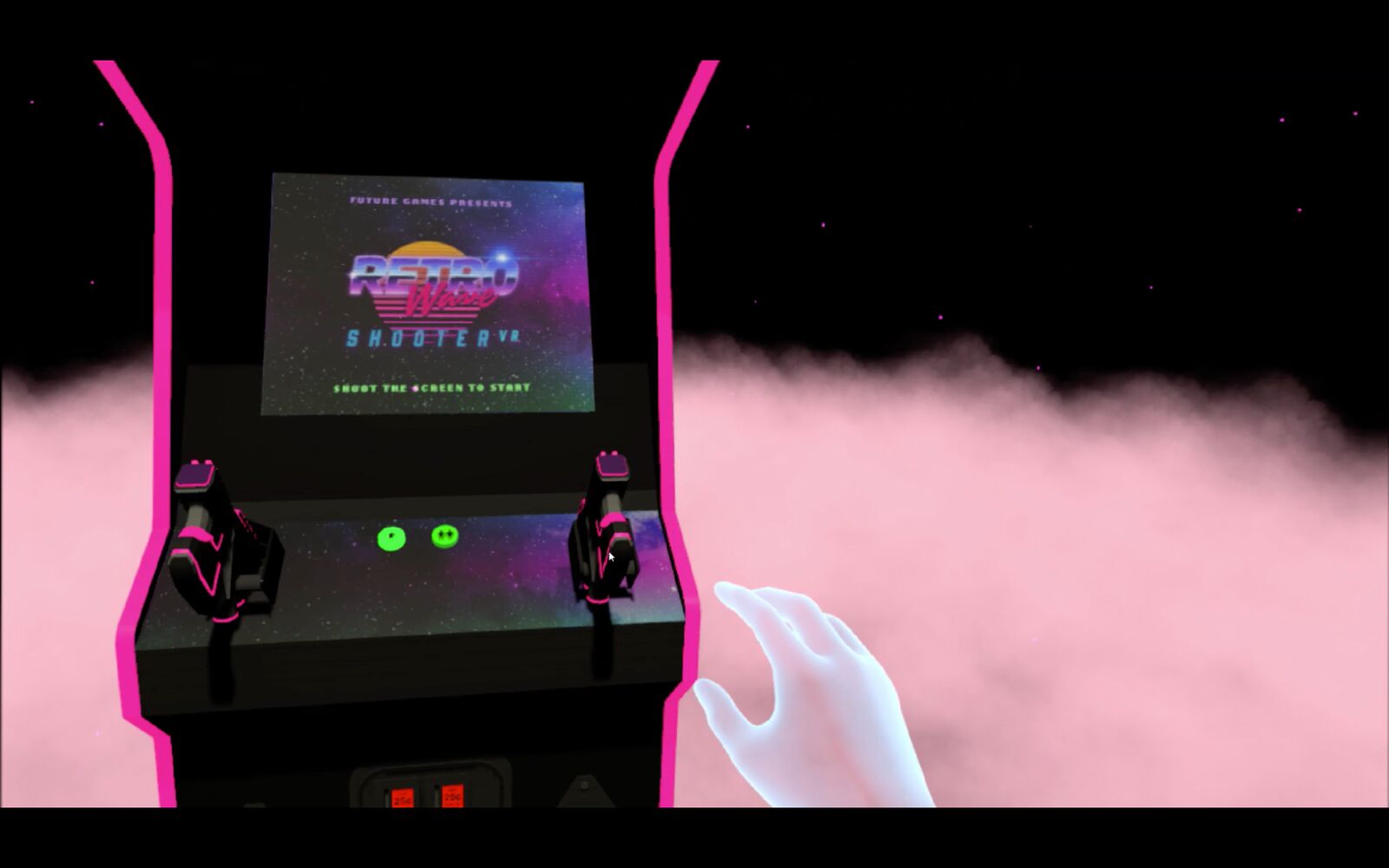
Being a simple shooting game, along with its retro styling, reminded me of classic arcade shooters like Timecop, so I decided to try adding an arcade machine as a segway into the actual game – and it actually worked pretty well!
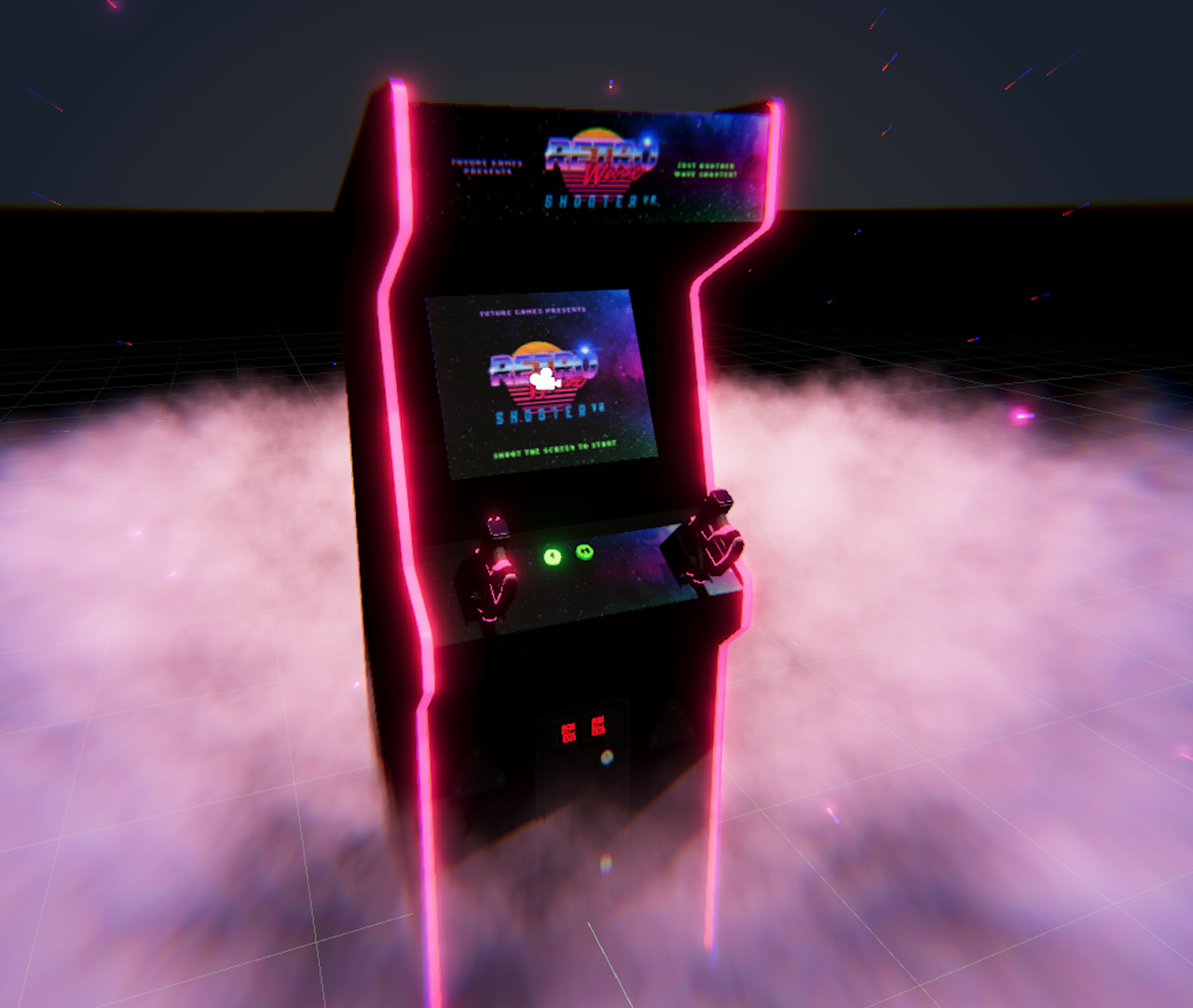
But something was missing… Oh yeah, a kick-ass retro logo…
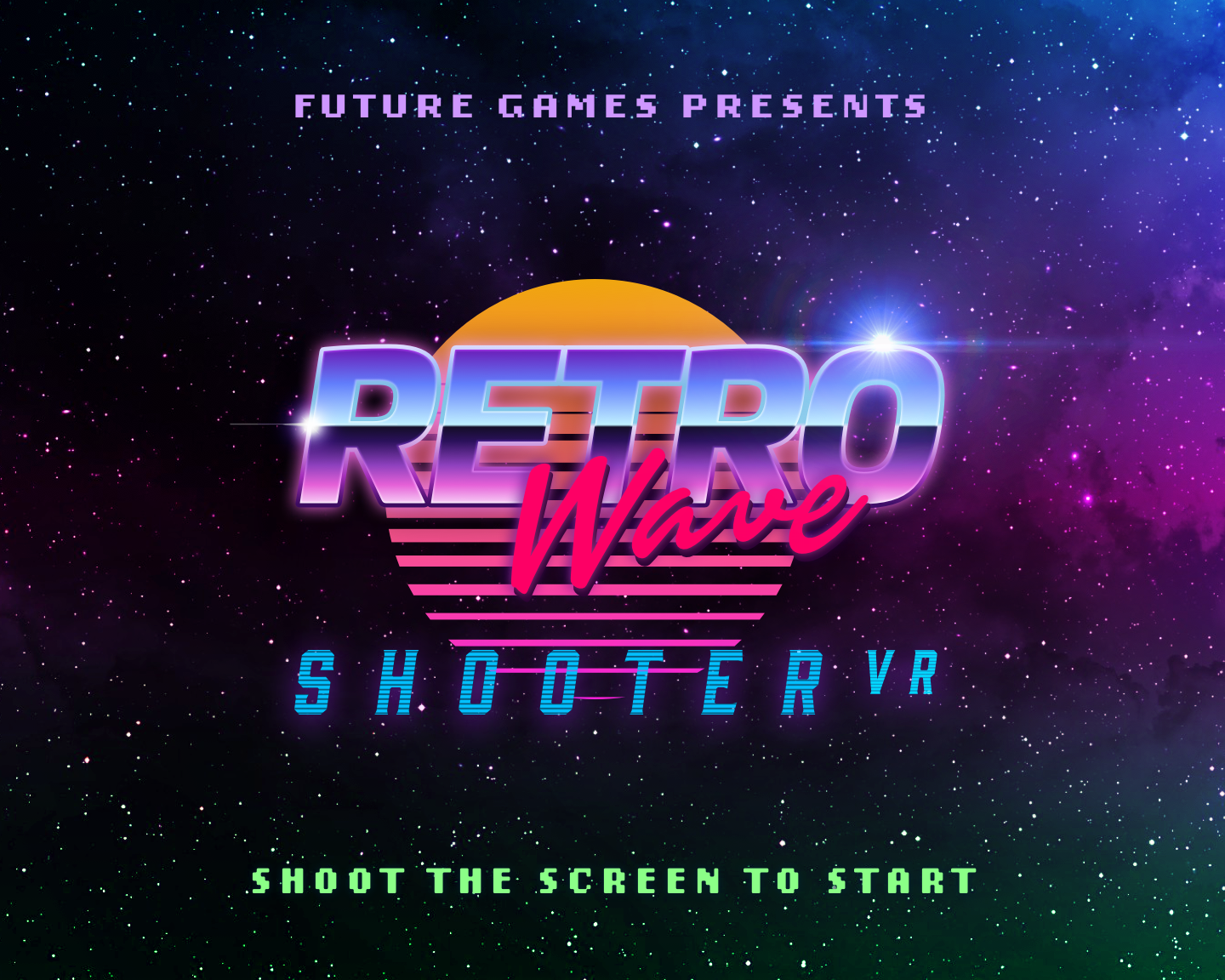
…ok, maybe not so kick-ass, but it’ll do for now.
Early trailer
Here’s a trailer I made for a very early version [the first time I shared anything, and only ever to people I knew].
Version 2.0
Ok, let’s do things properly now
At some stage in the process I realised it looked awful (apart from maybe the guns, which I’d actually put some effort into) and re-built a lot of the visual elements.
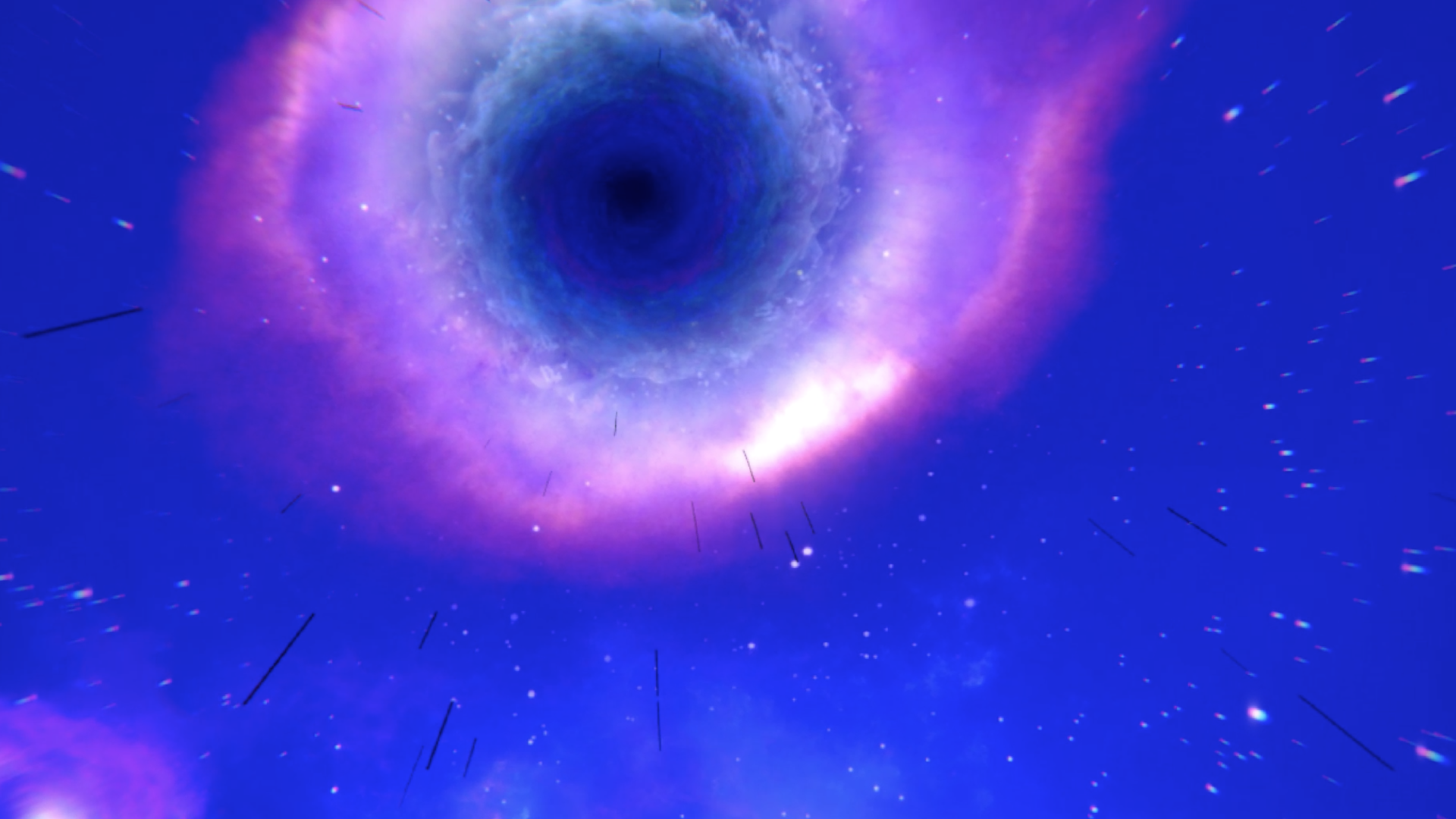
I decided to stick to the ‘retrowave’ feel, but [after fruitlessly searching for the perfect sky shader] I created a custom skybox that added a little more realism and depth. And then, for some reason, I added a spinning vortex overhead!?!

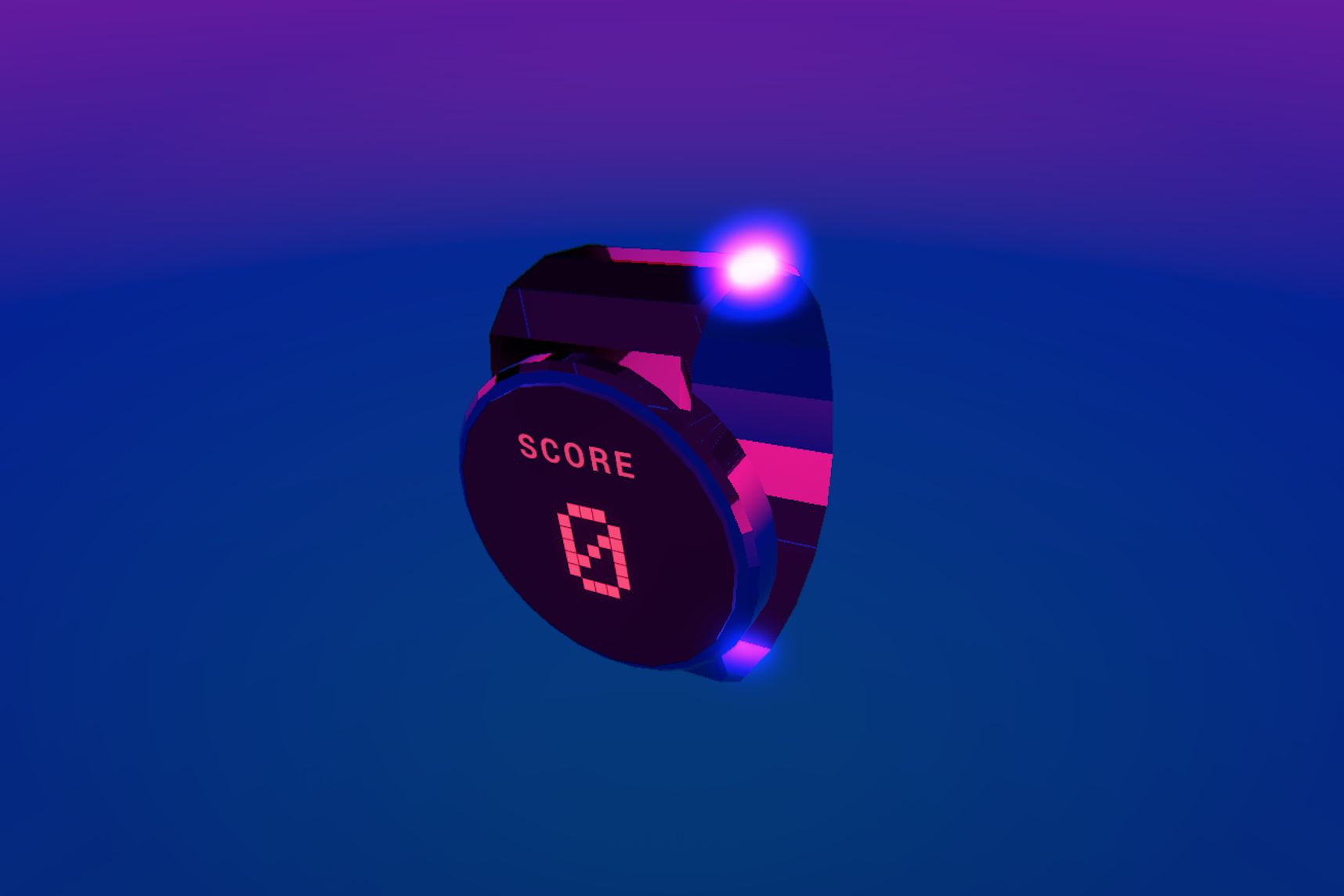
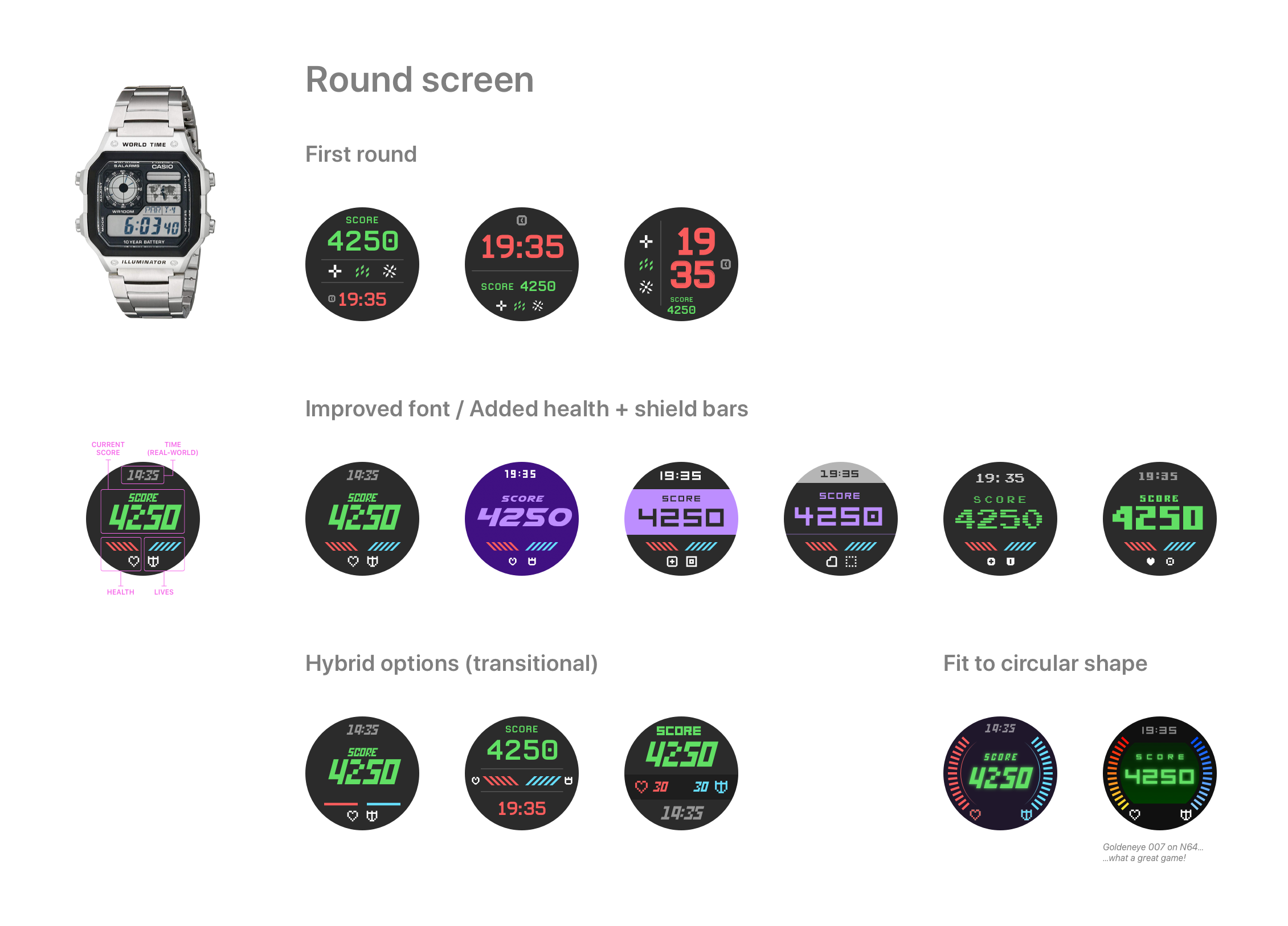
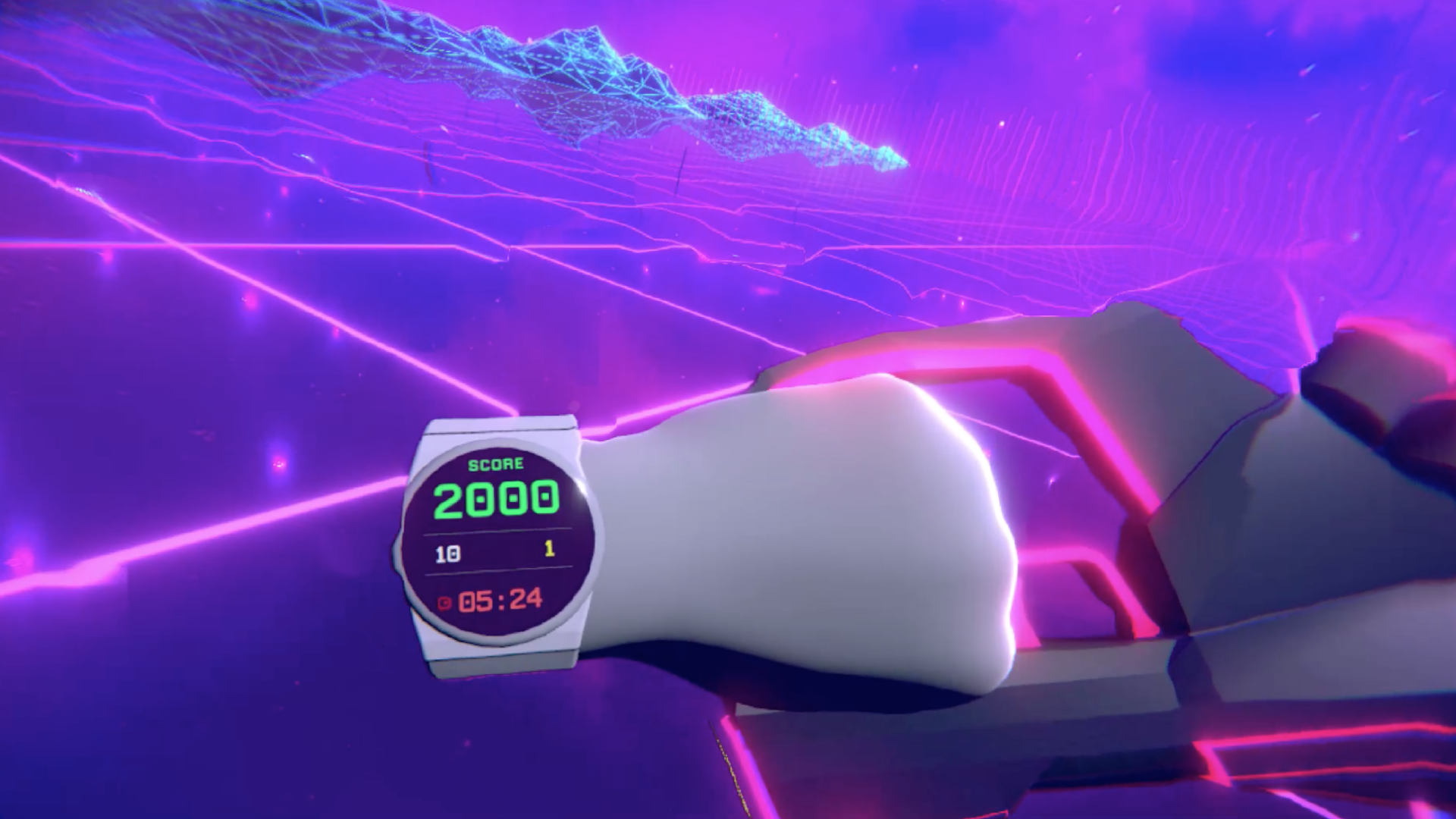
I also updated the UI for the watch:
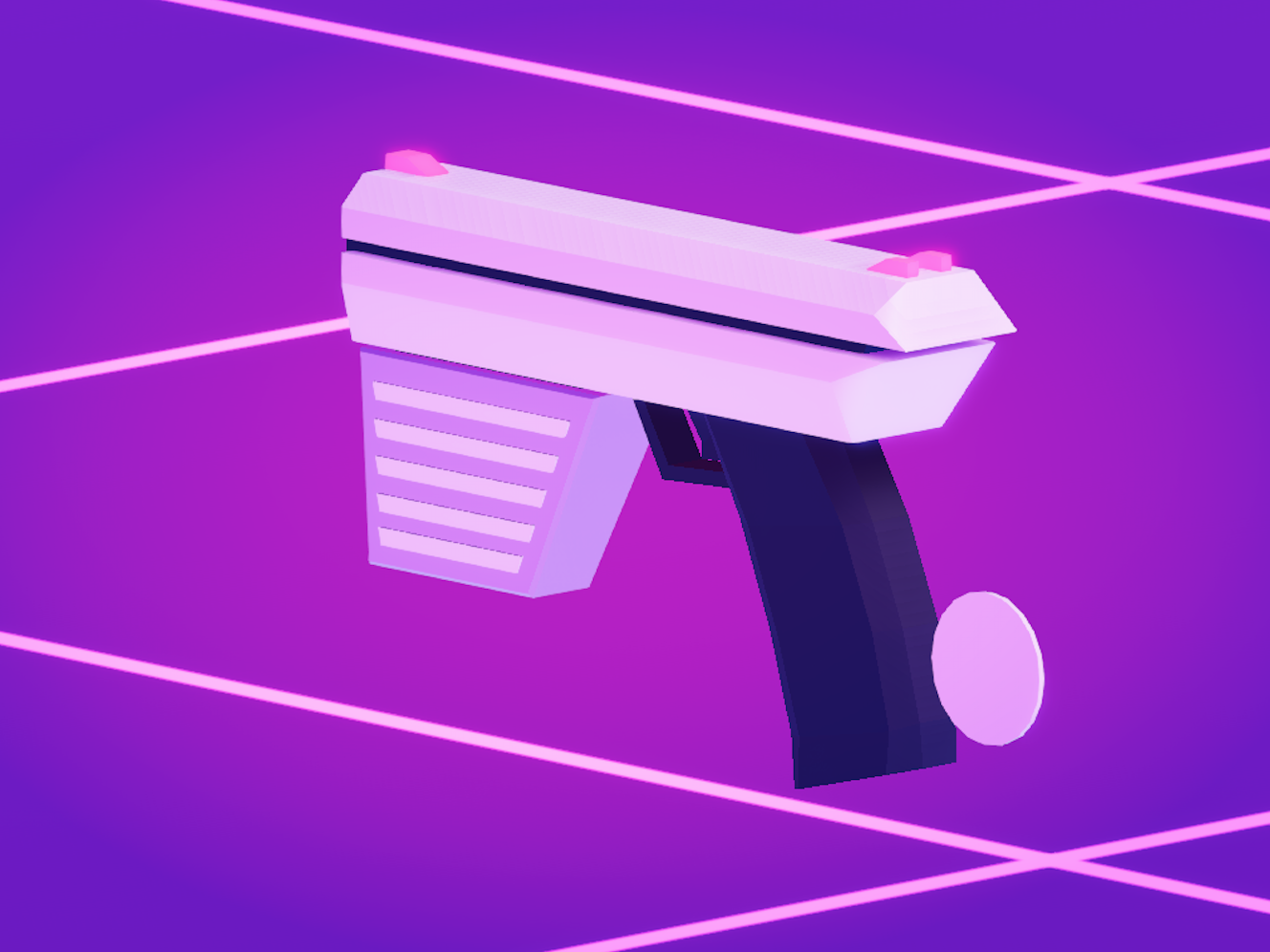
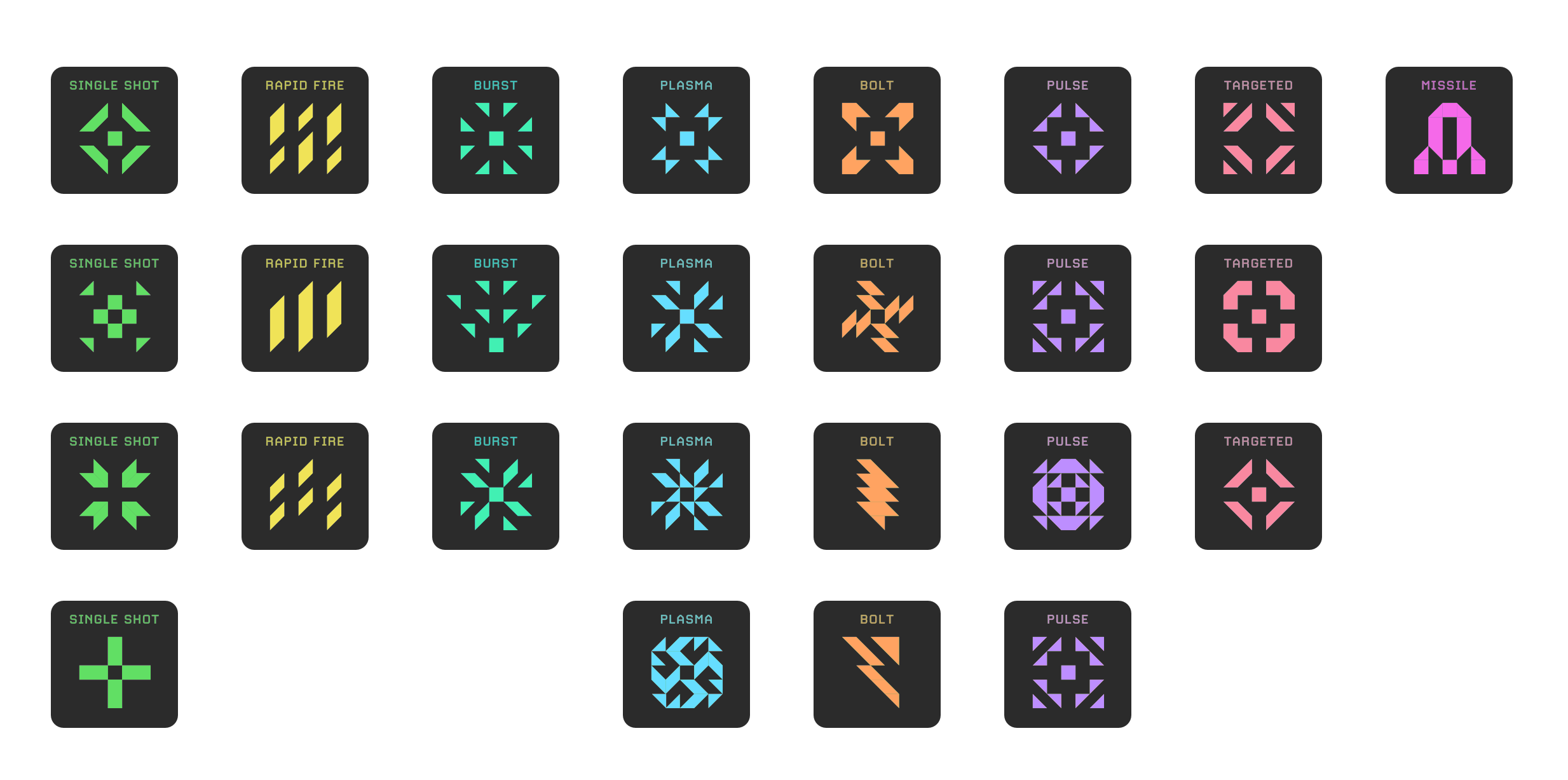
And some icons for the guns:
Getting carried away
More lens-flare please JJ!
I thought the logo could do with a little more ‘pop’, so I changed some fonts, upped the vibrancy and added more lens-flare!!
Much better!
Old logo was a little flat and dull
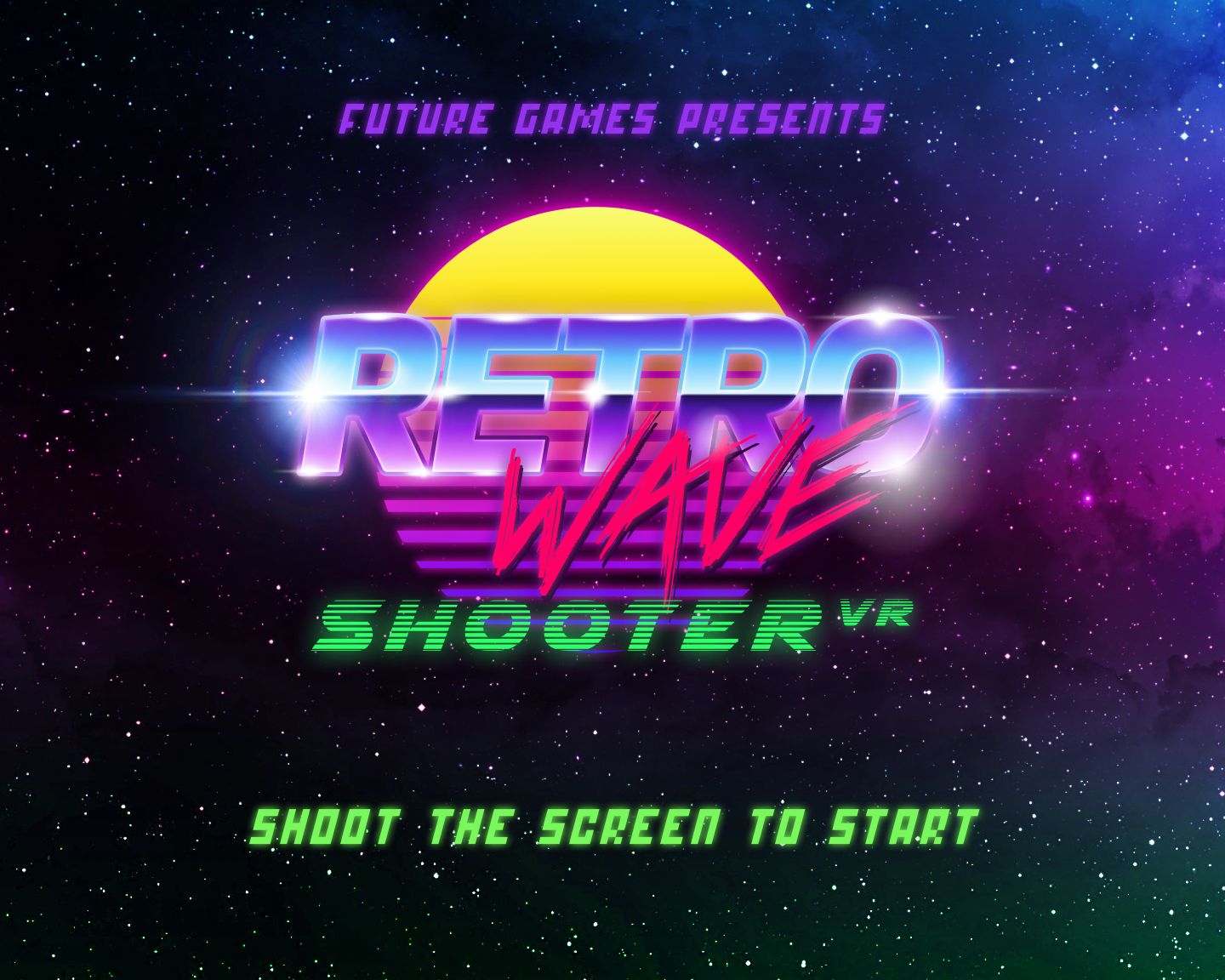
That’s more like it! Game on!!
A UX approach
Let’s throw some UX in the mix…
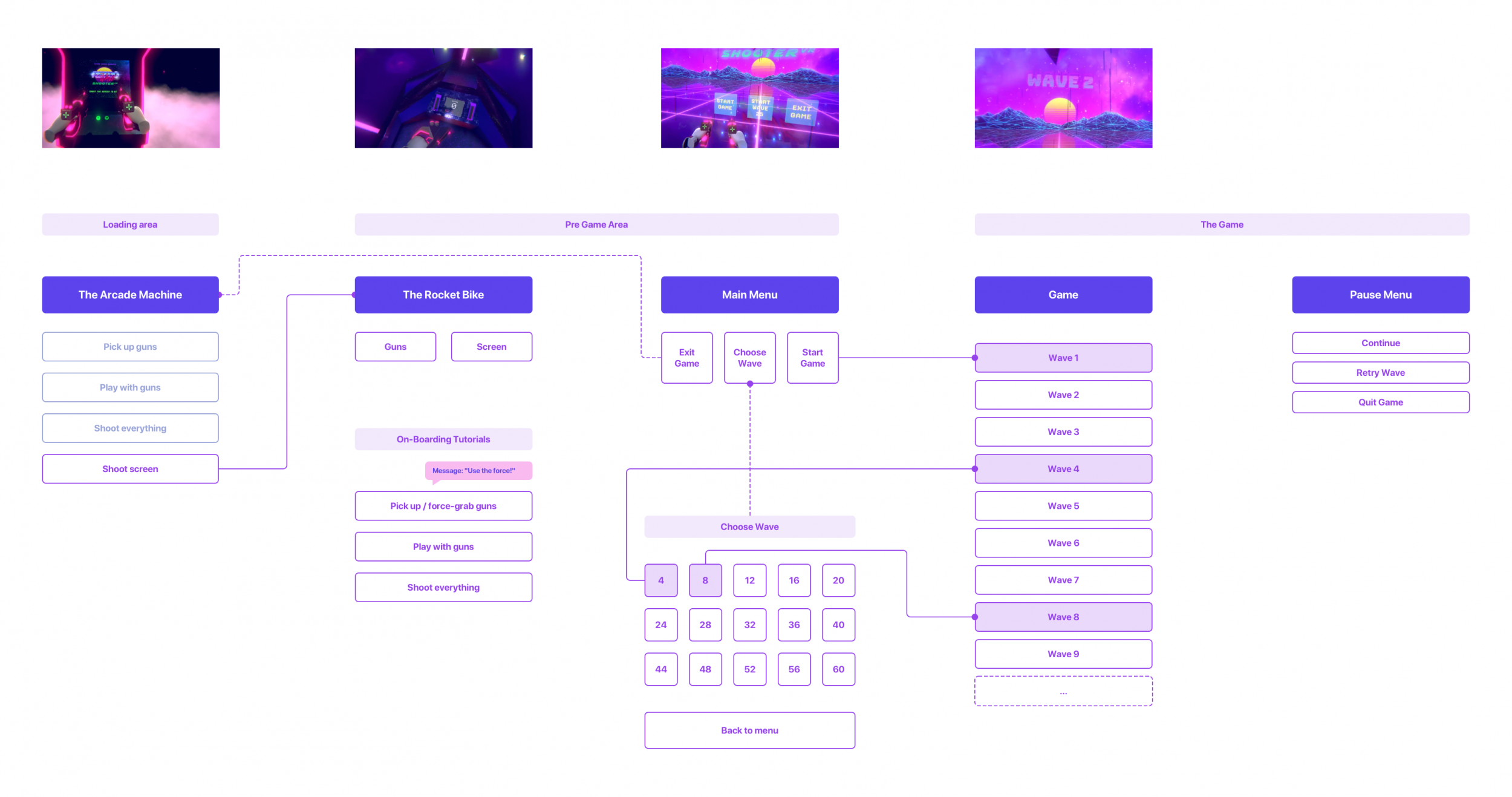
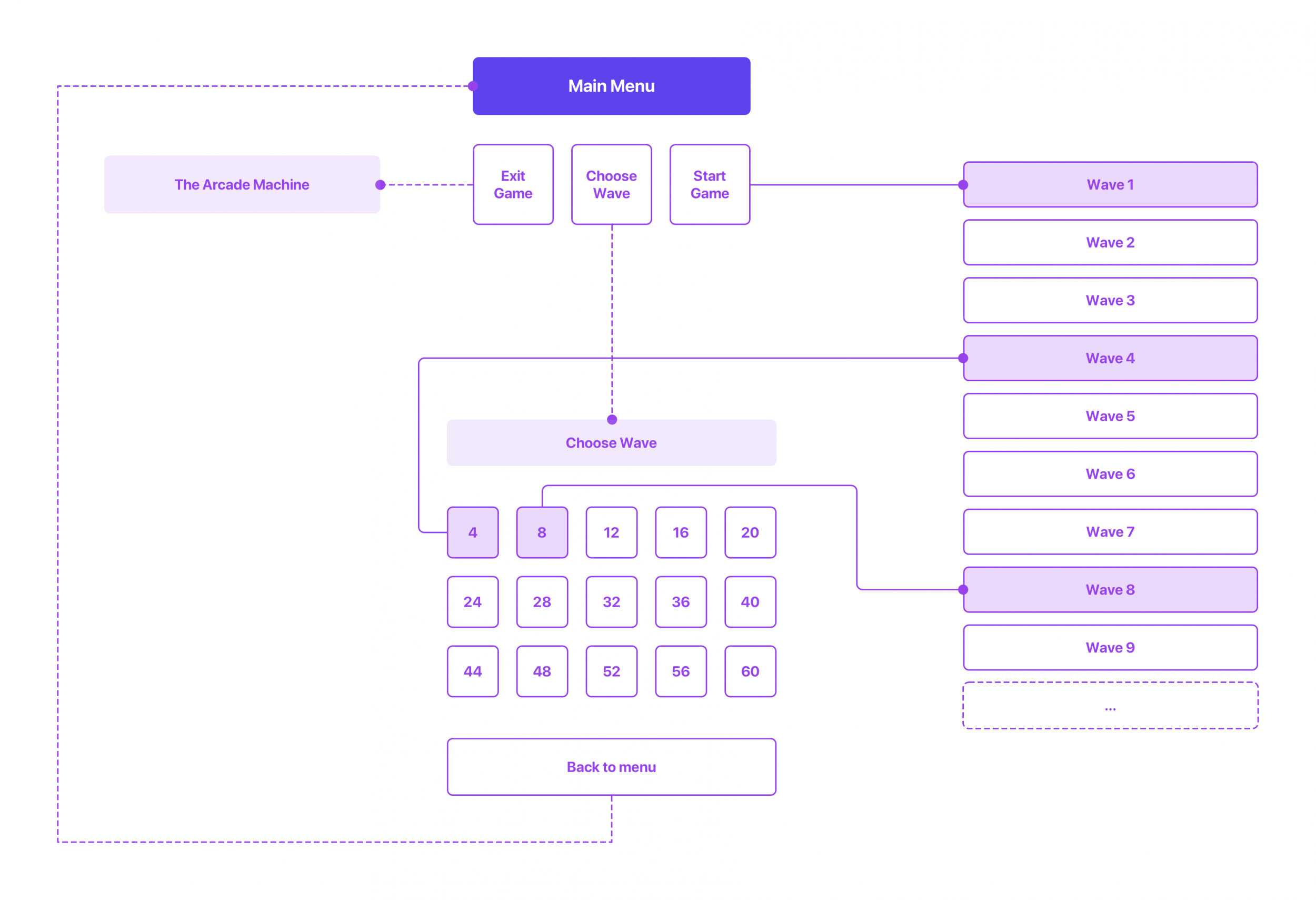
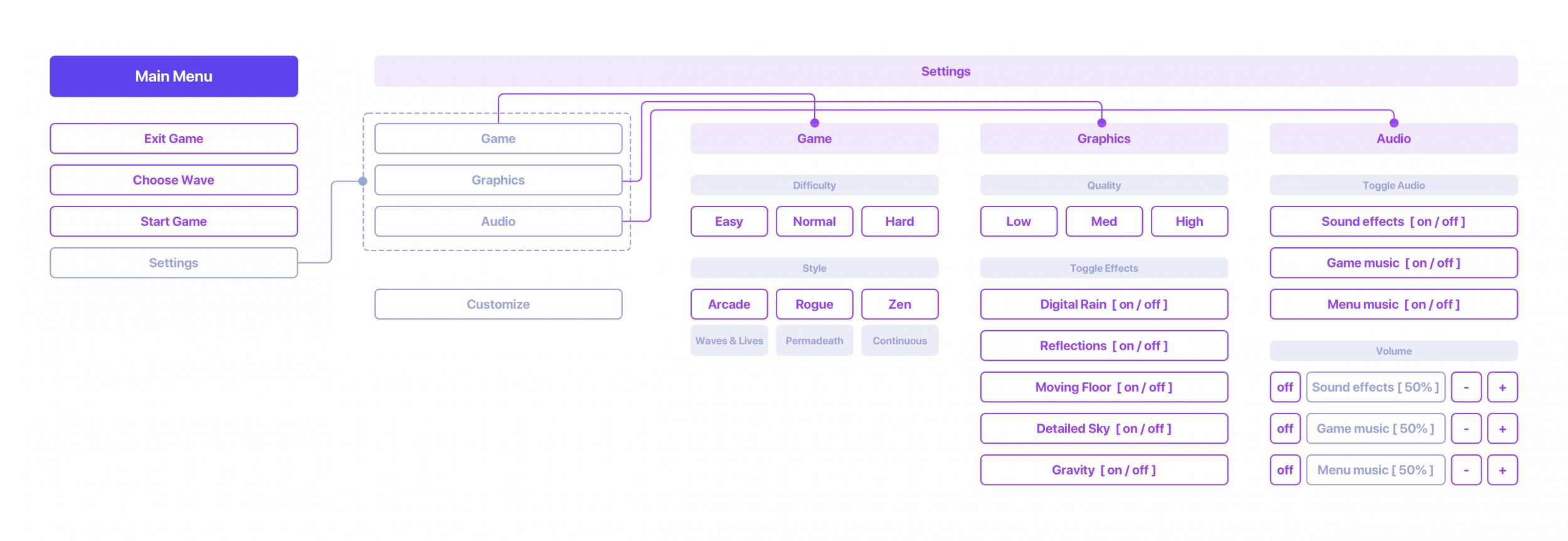
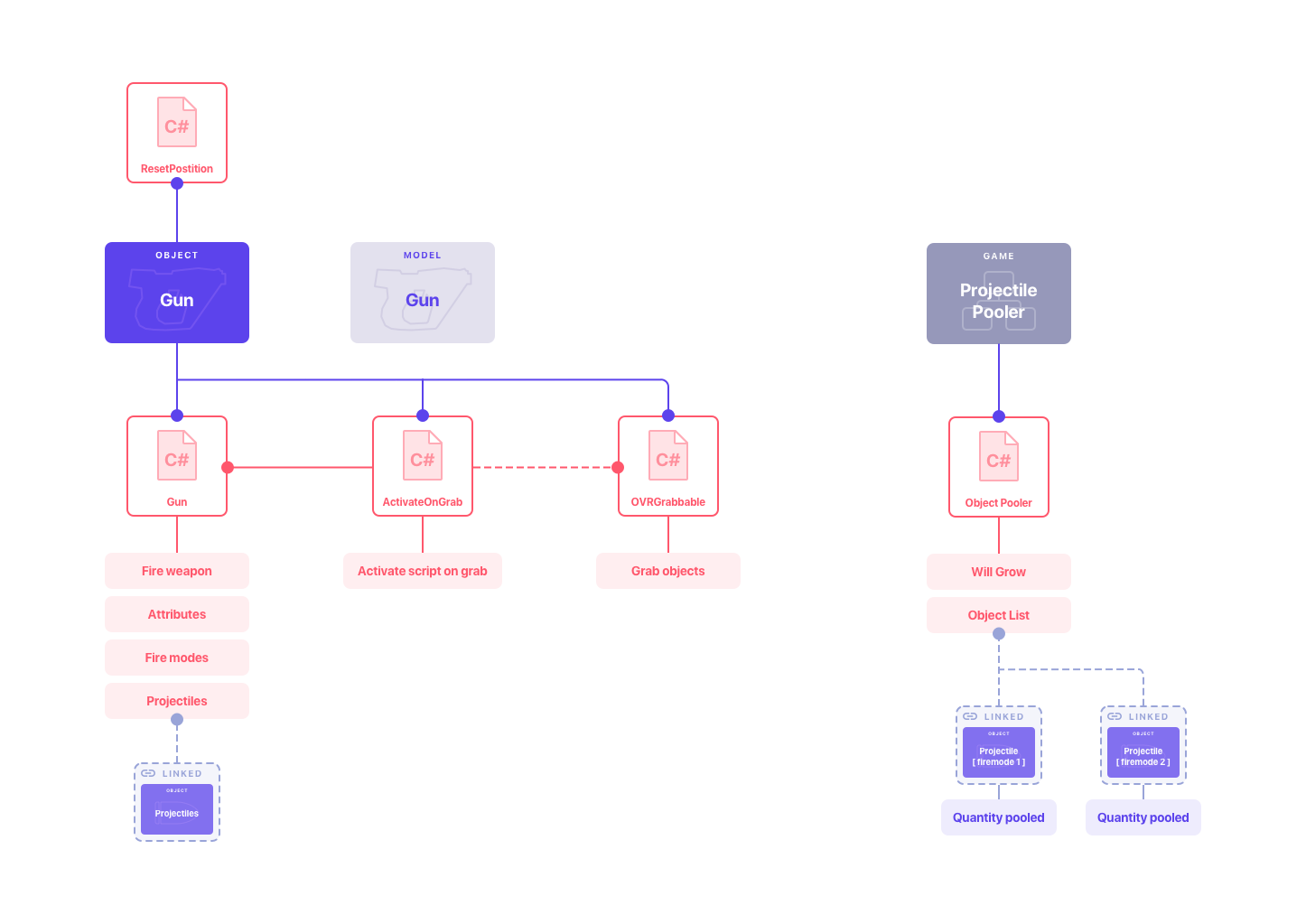
Being a UX designer, I might as well sketch out some journeys and flows…
Version 2.1
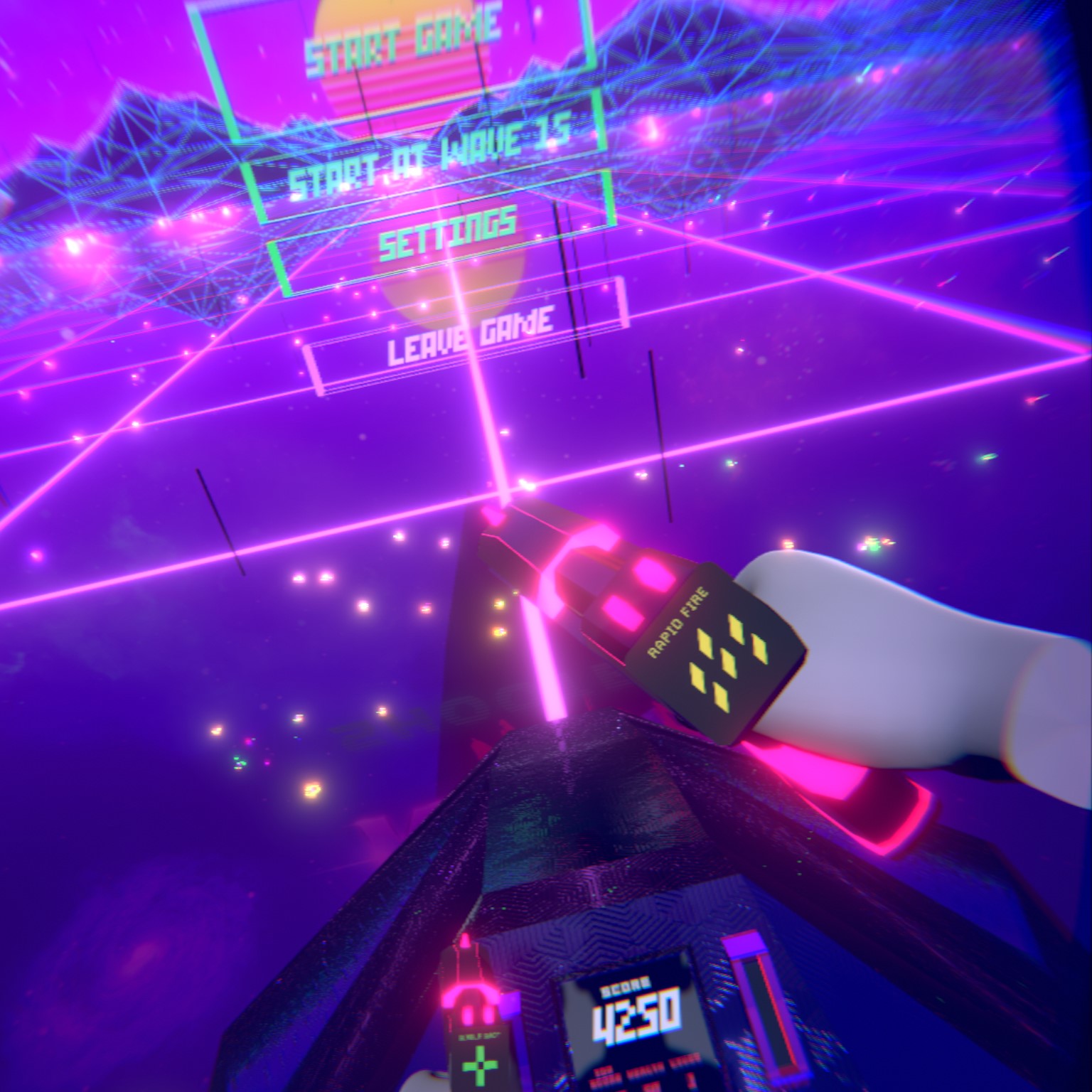
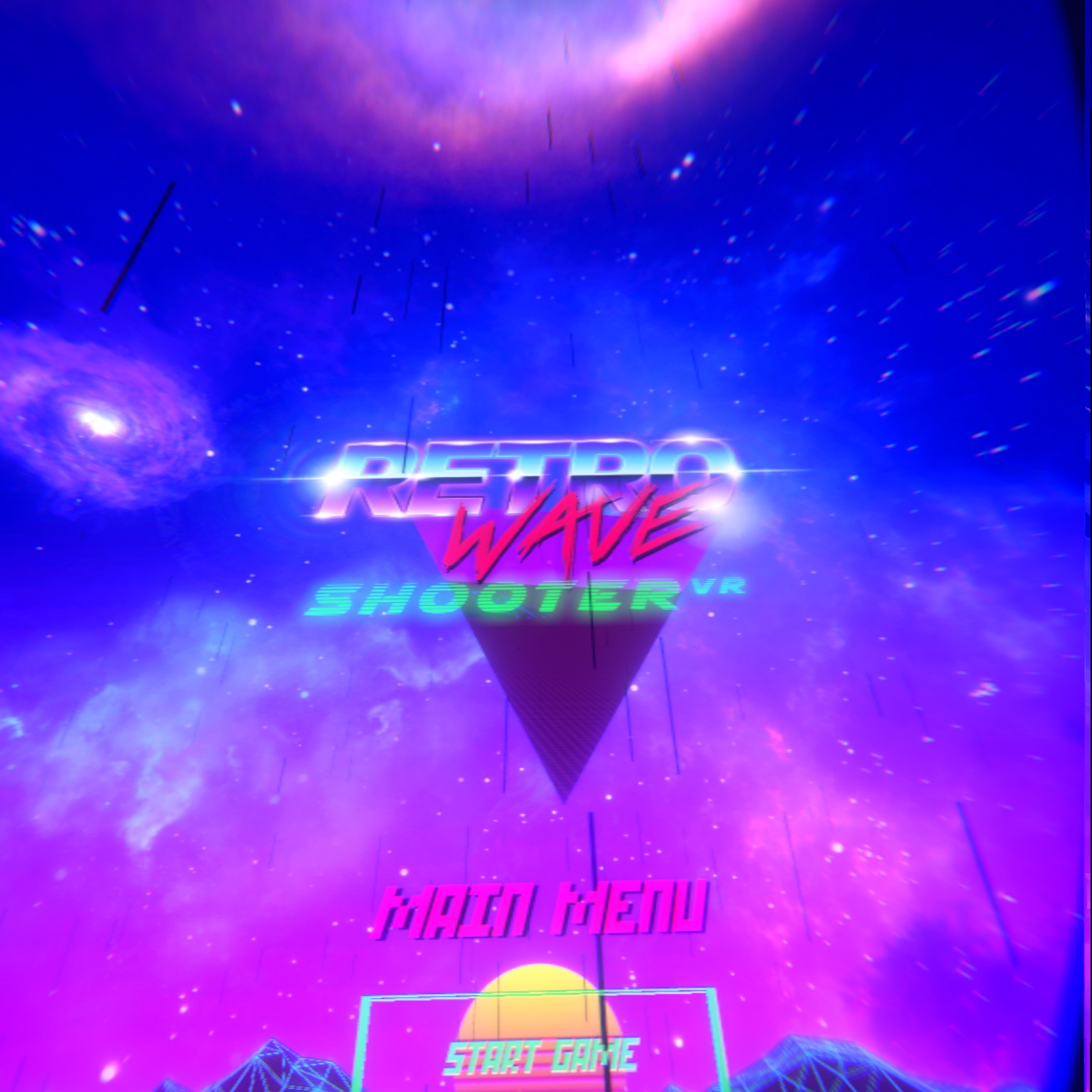
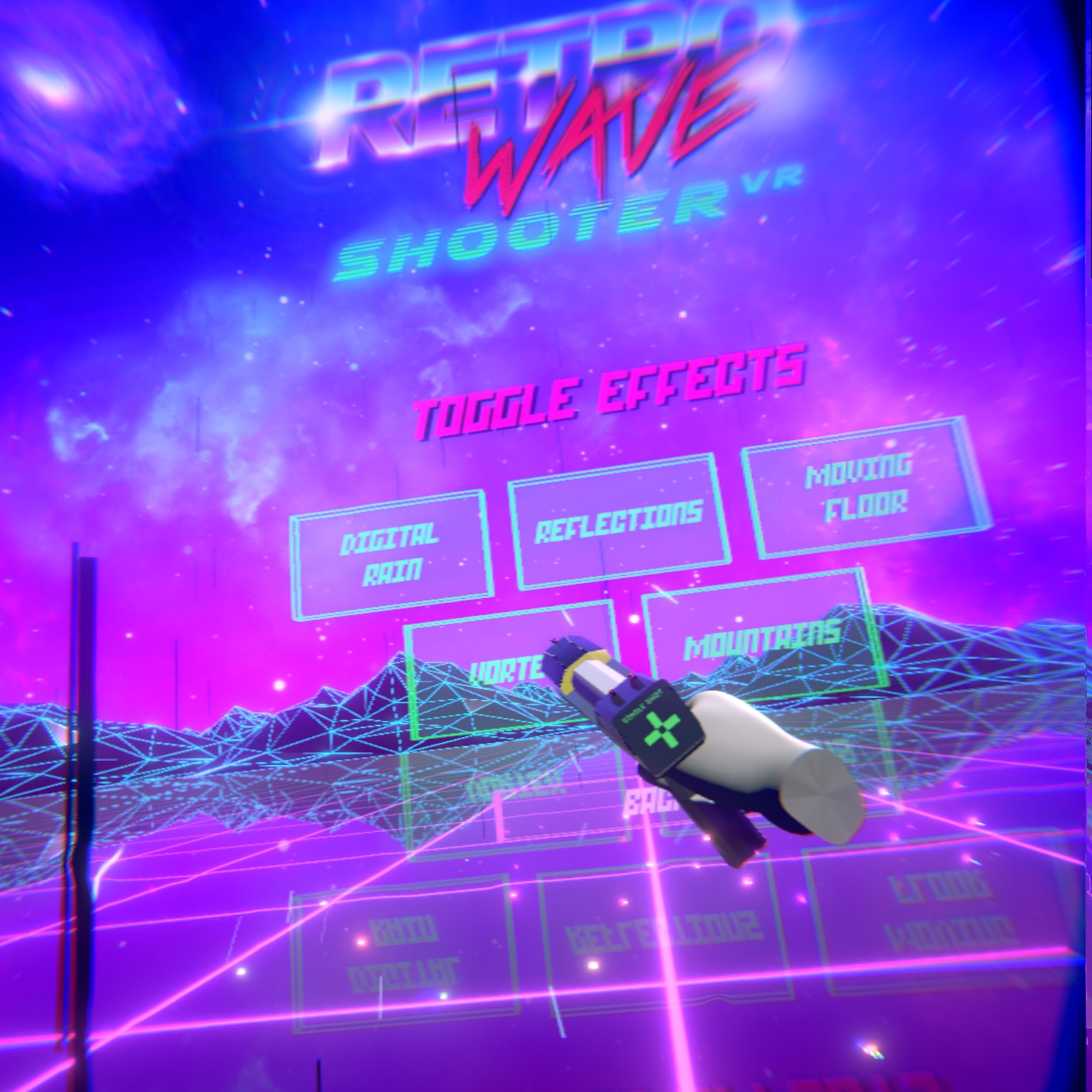
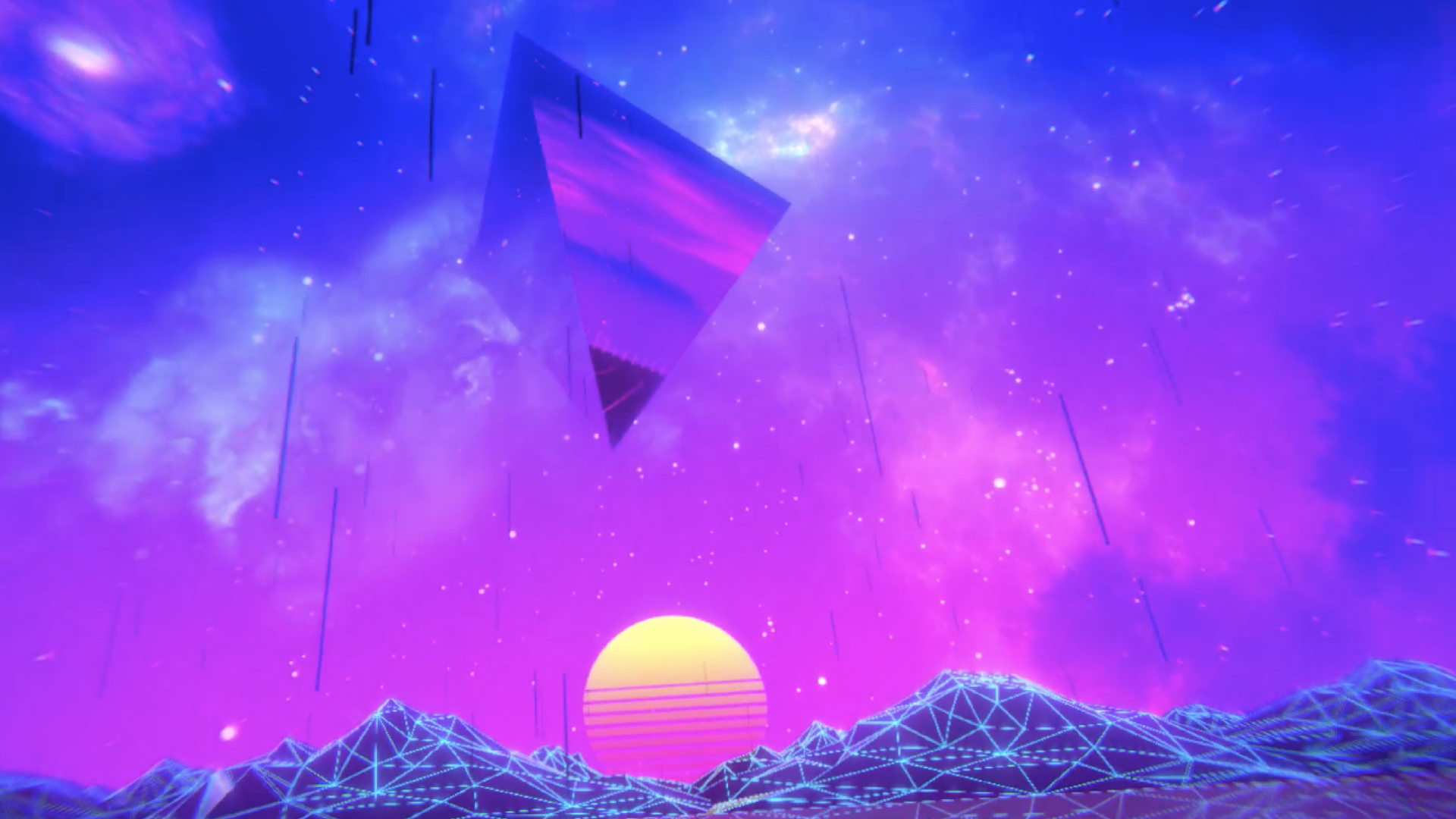
Latest screenshots
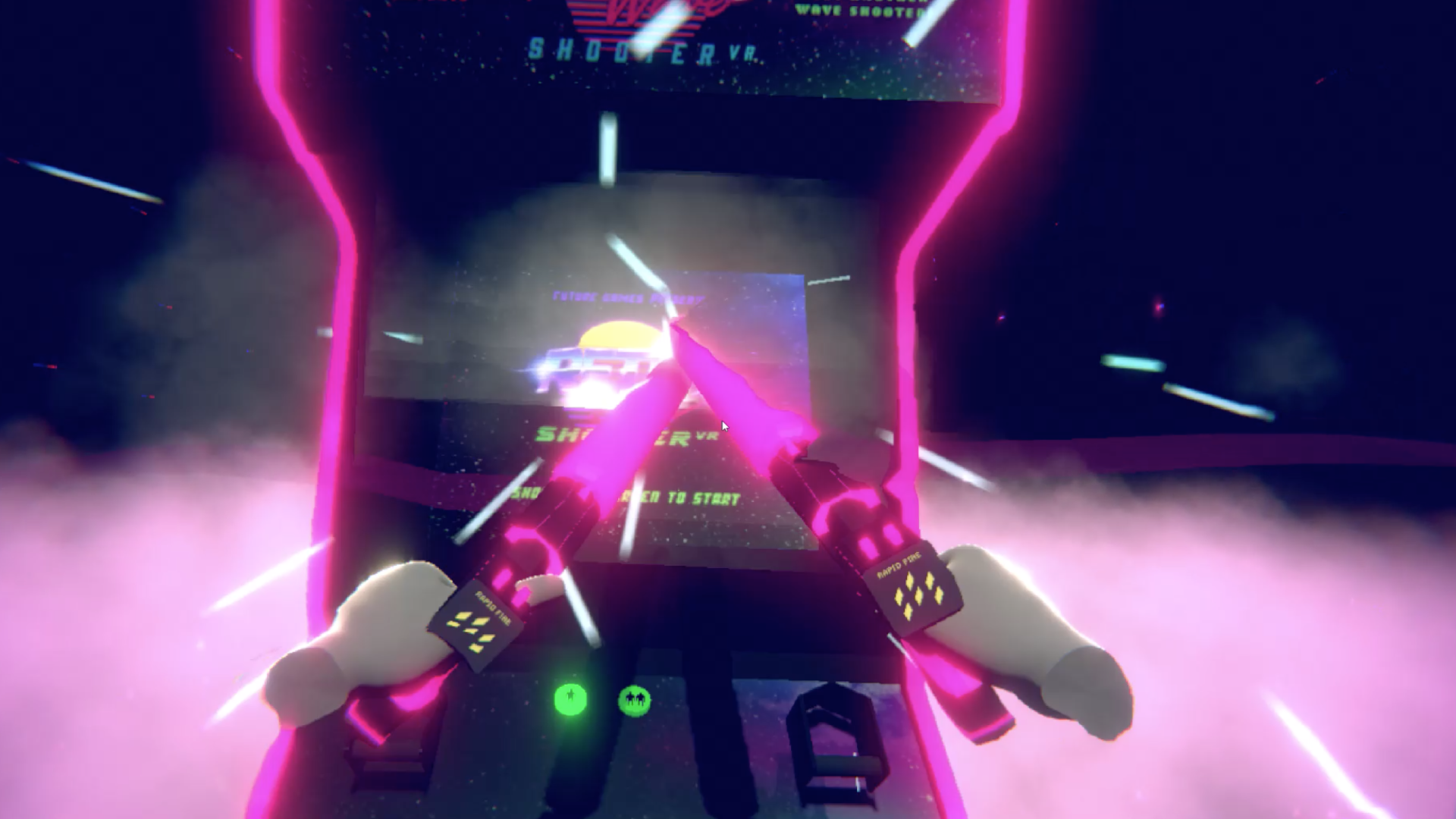
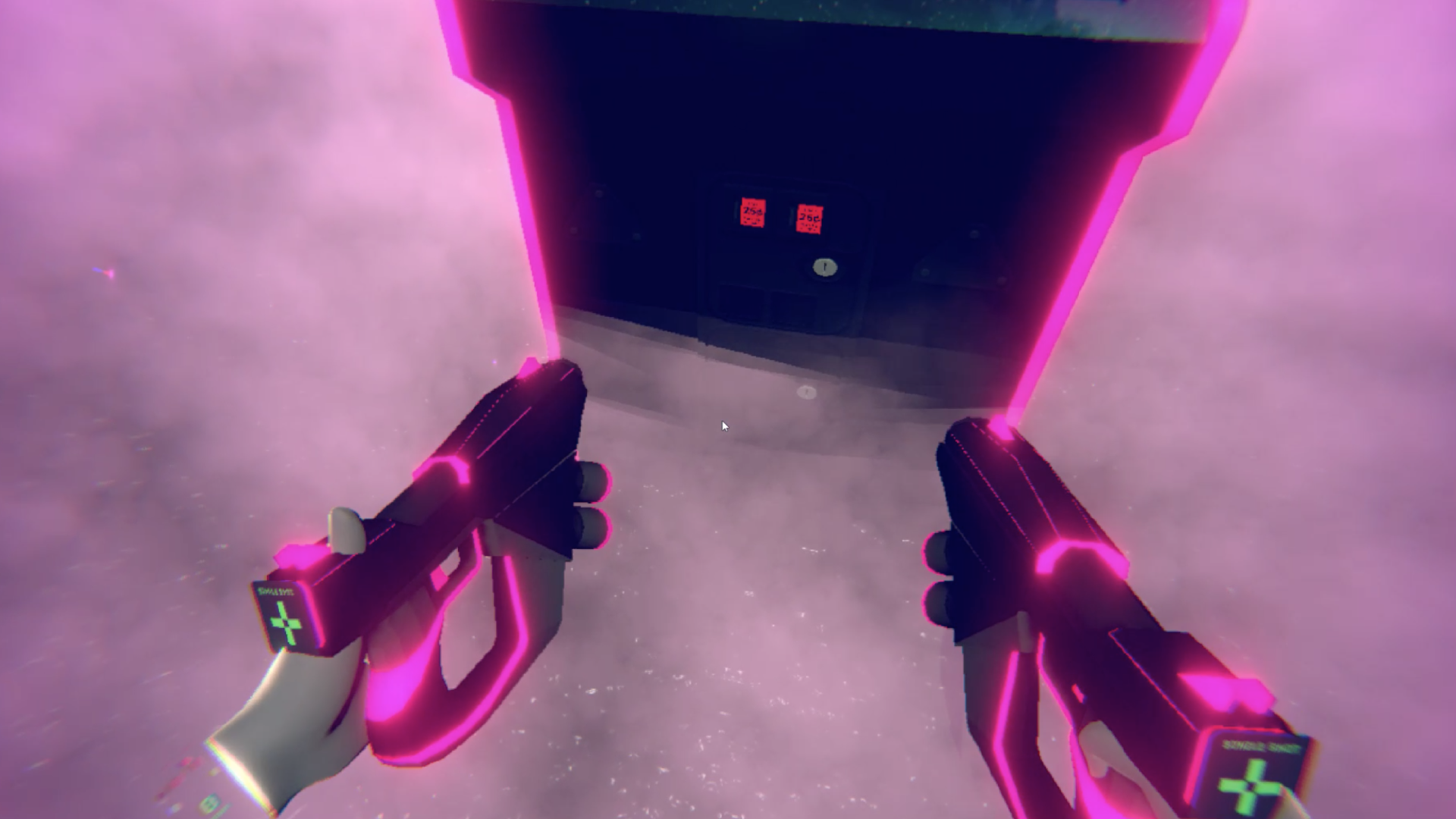
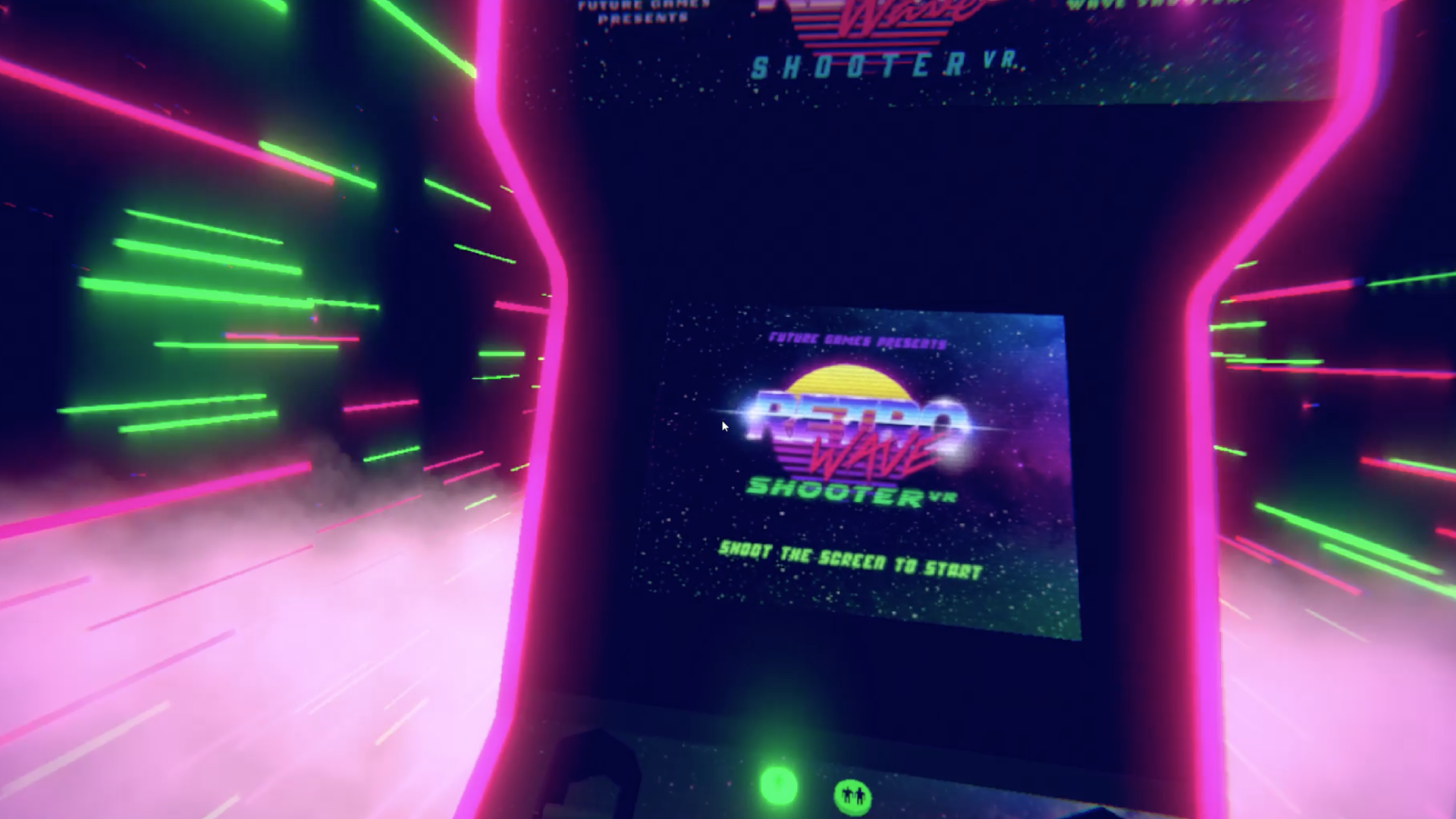
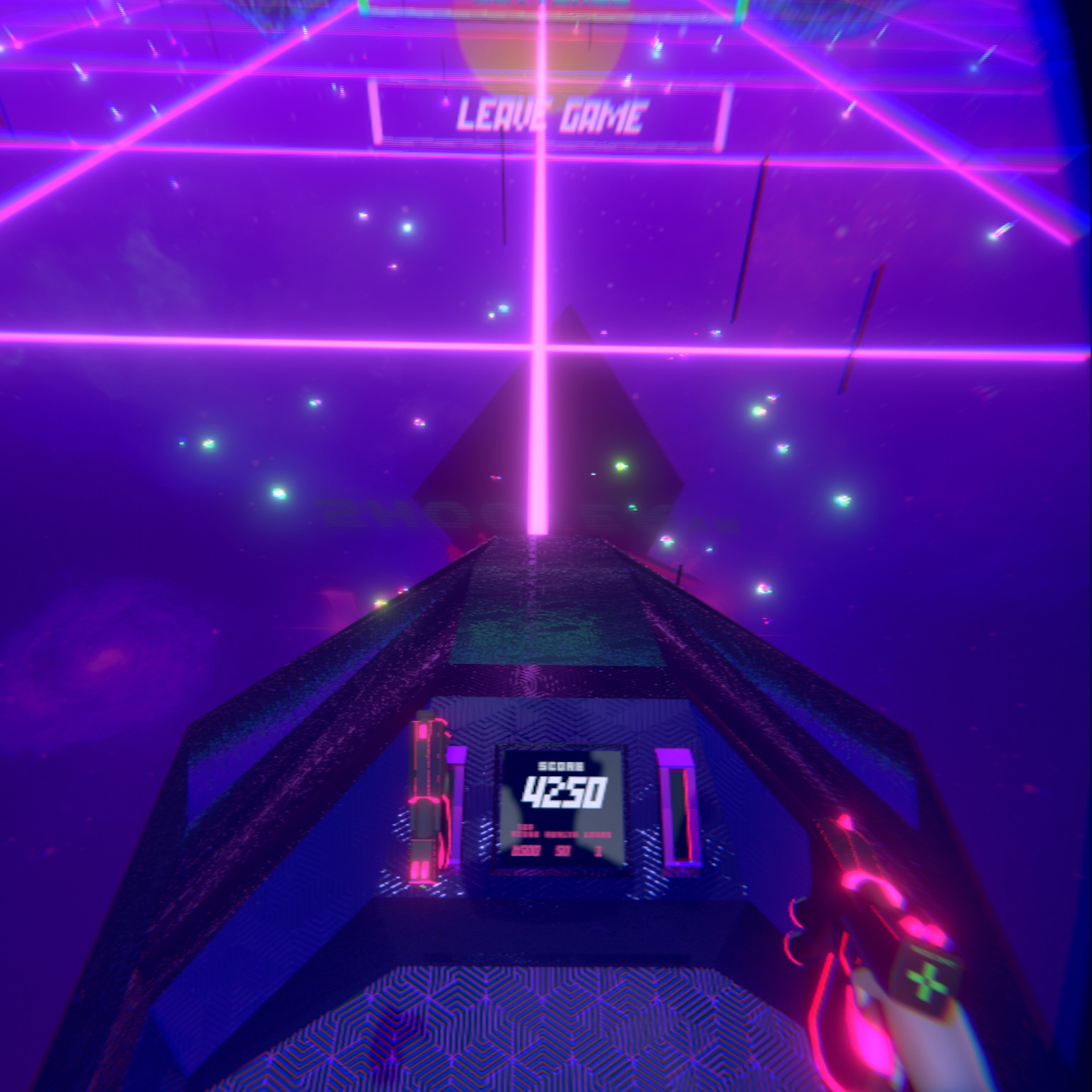
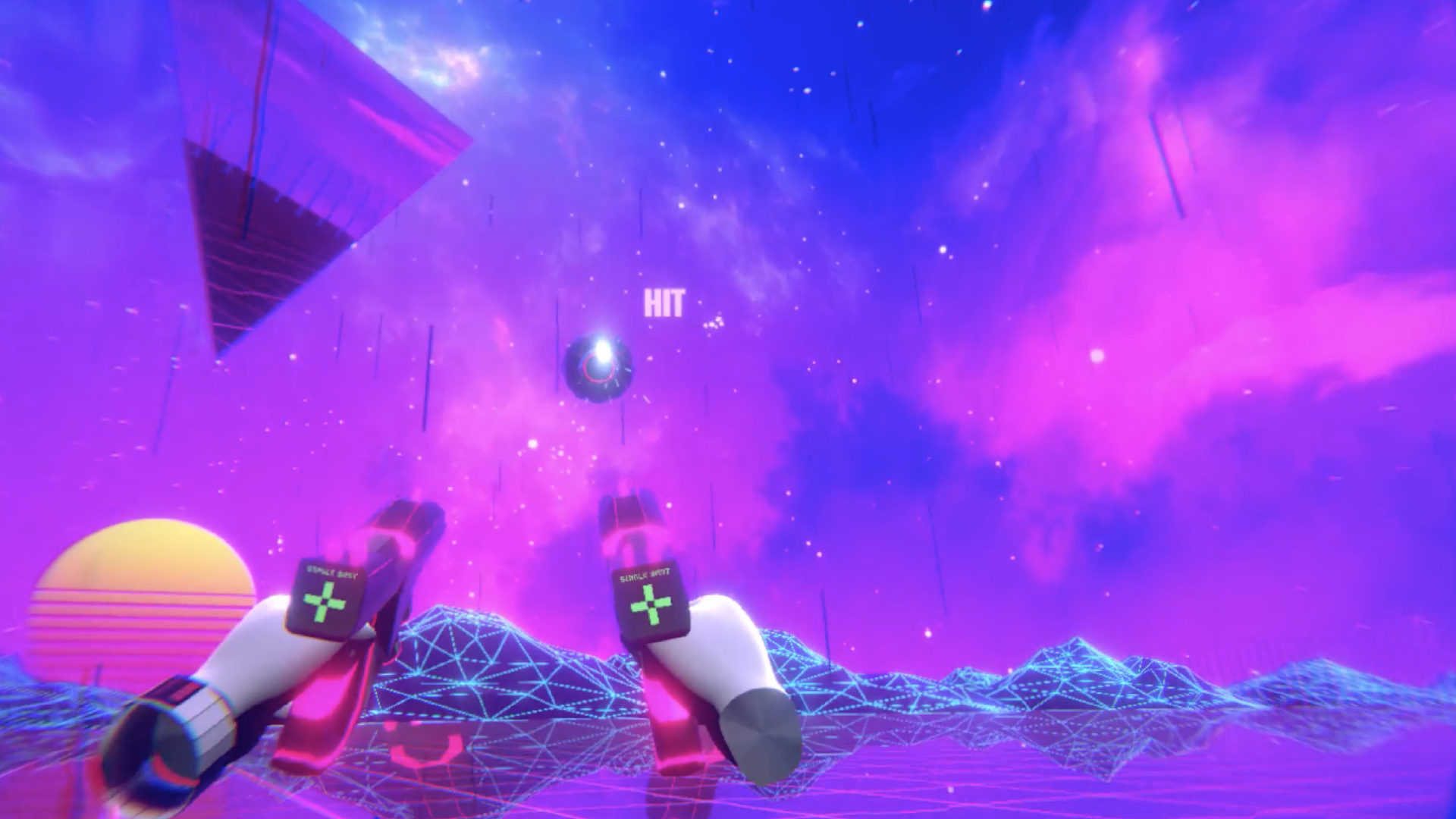
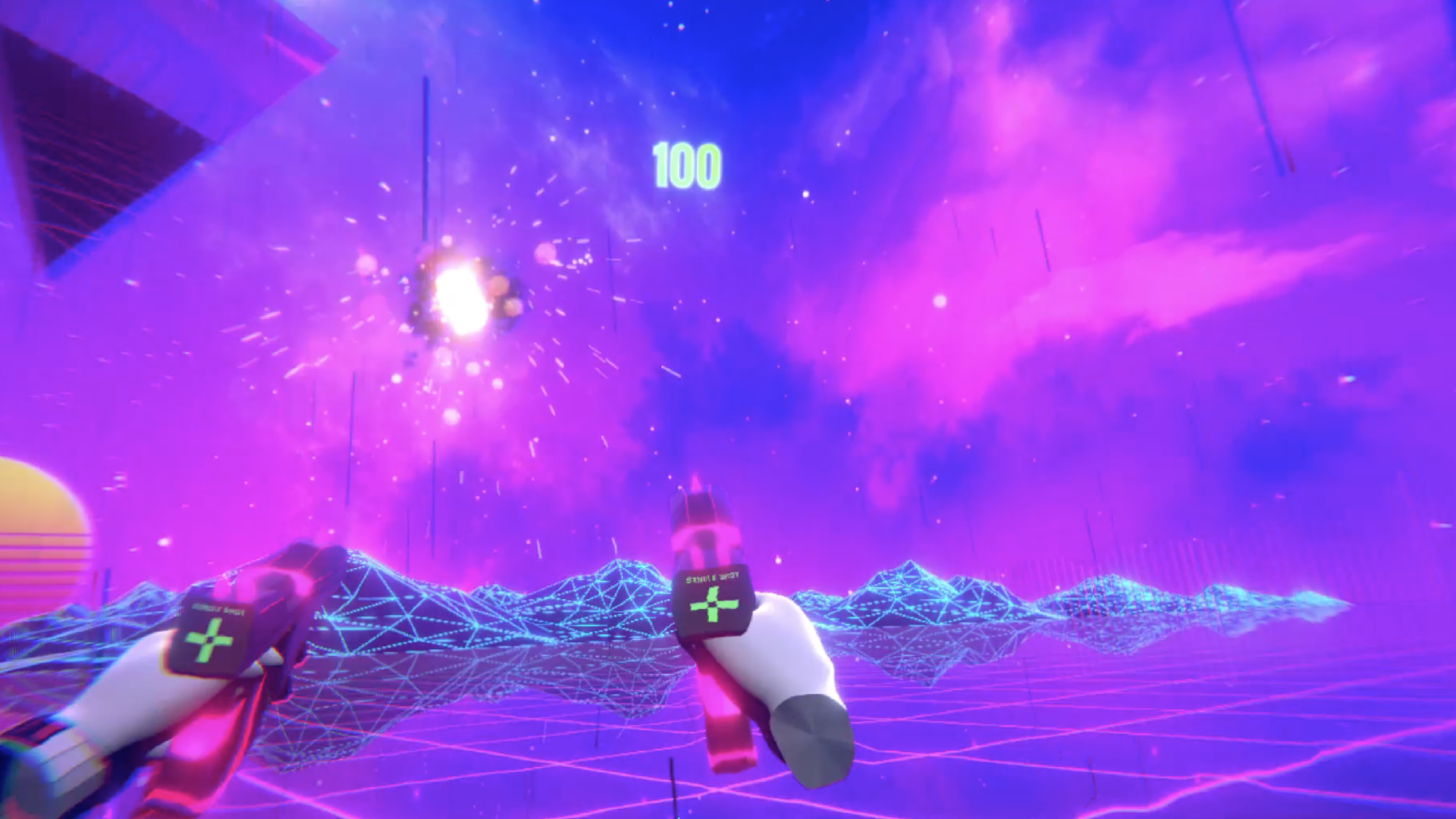
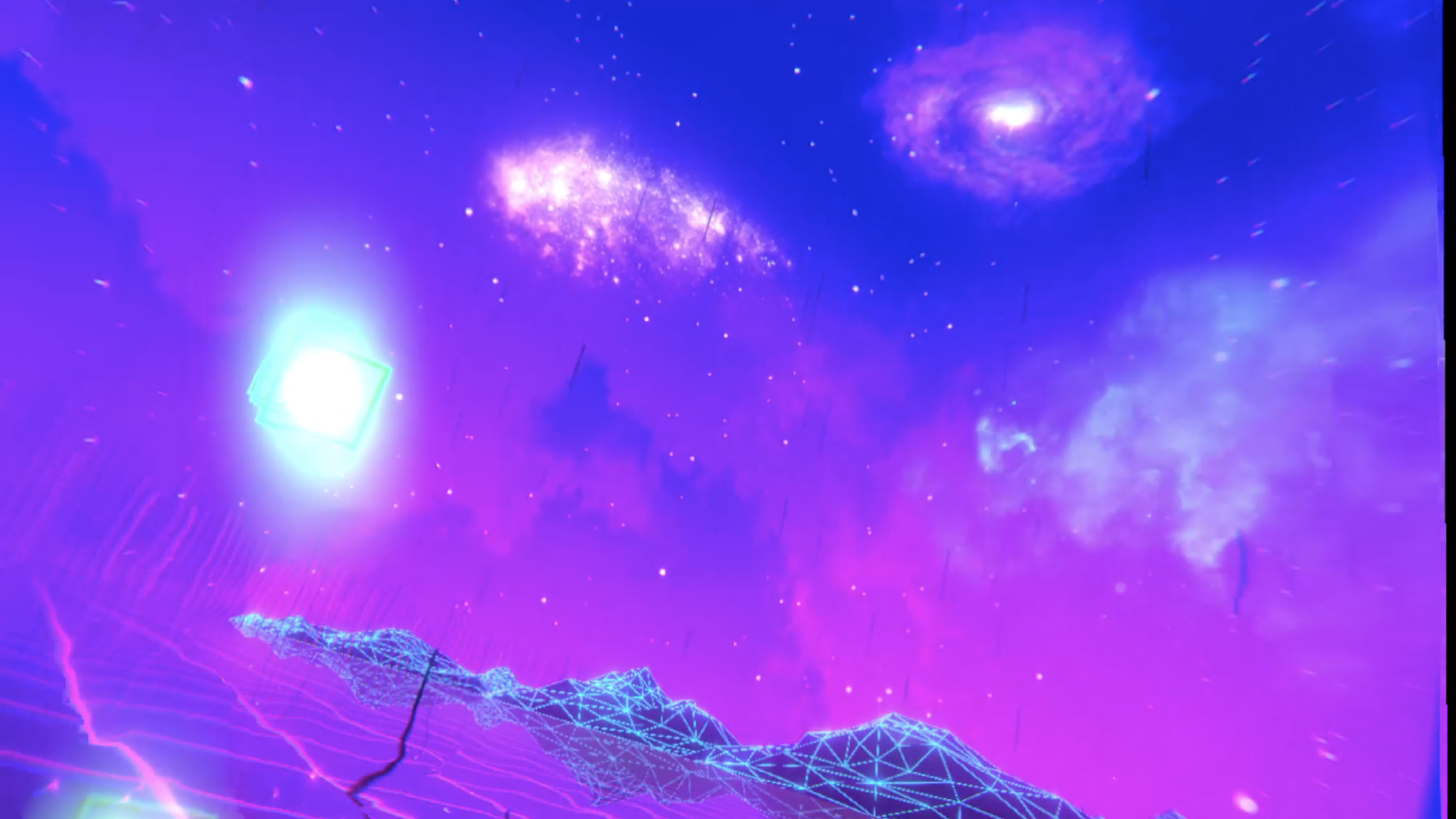
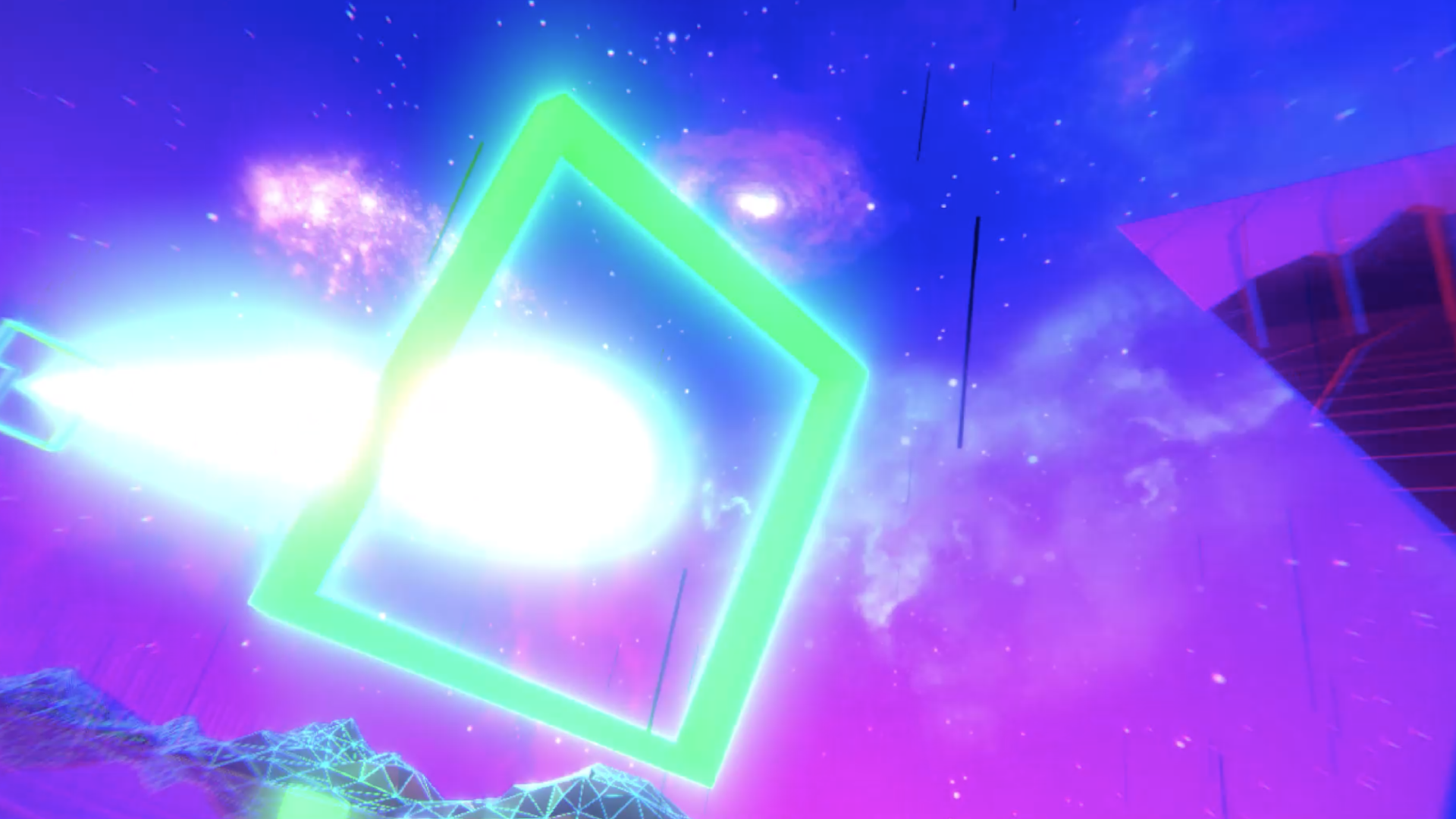
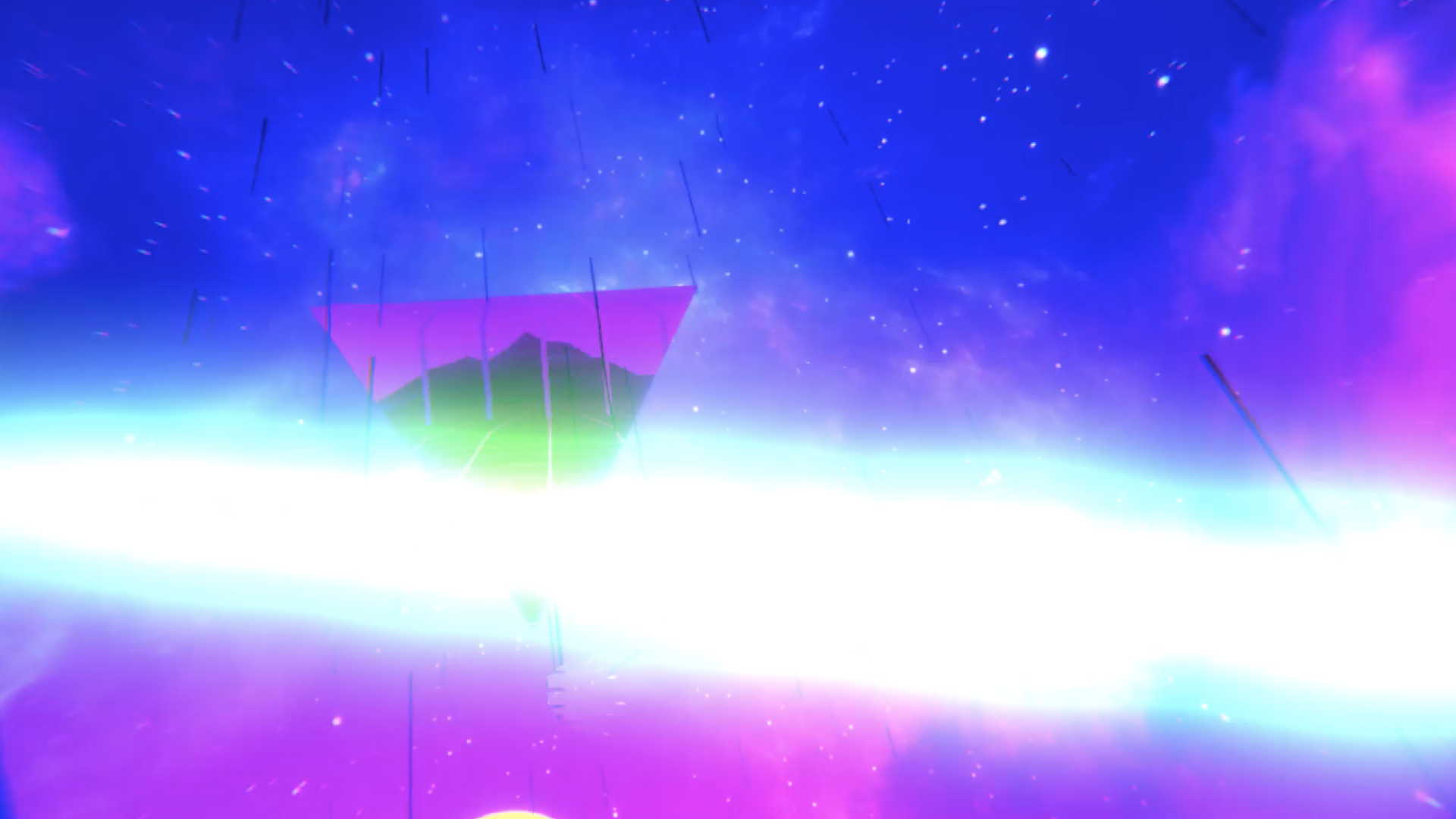
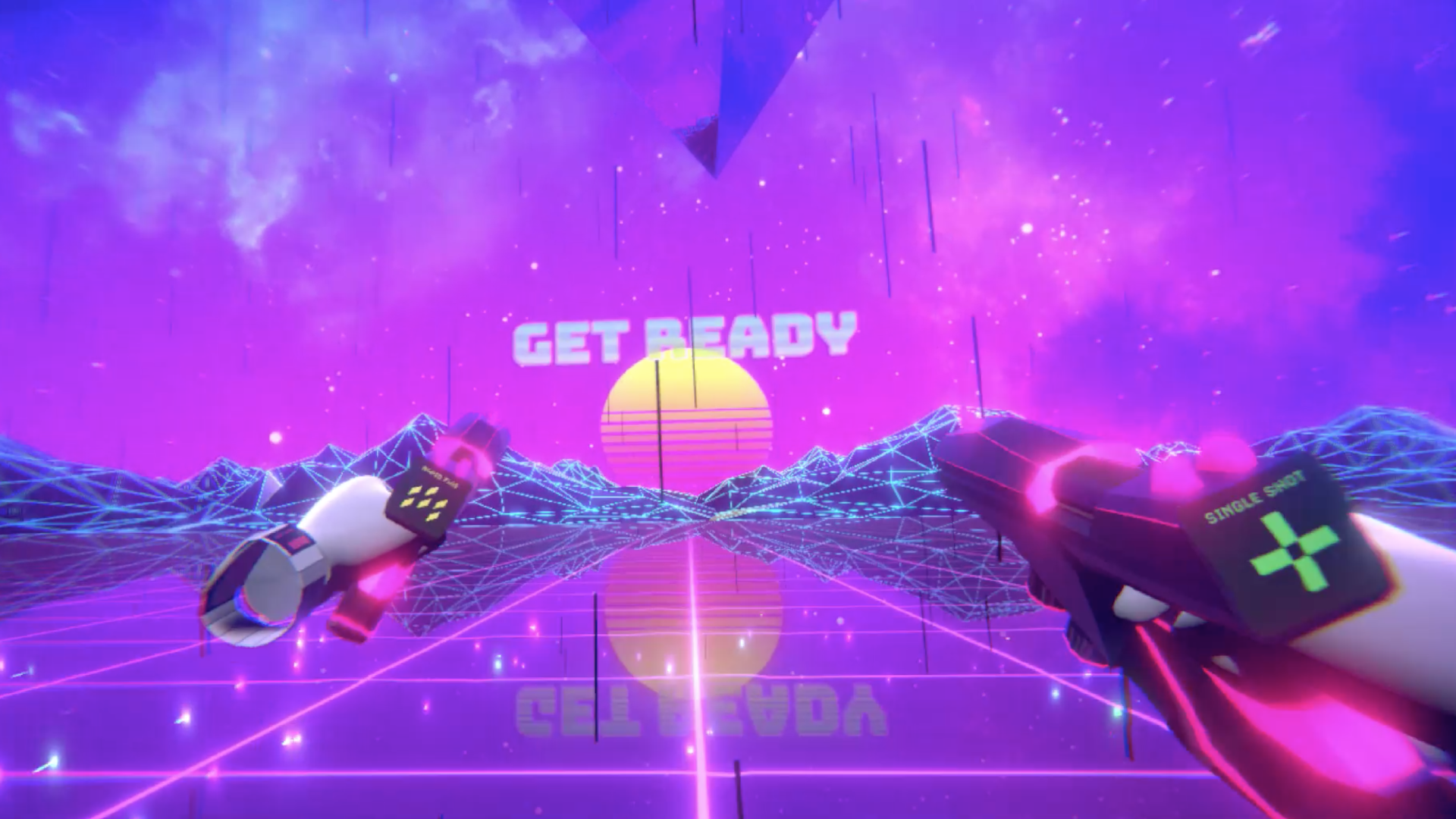
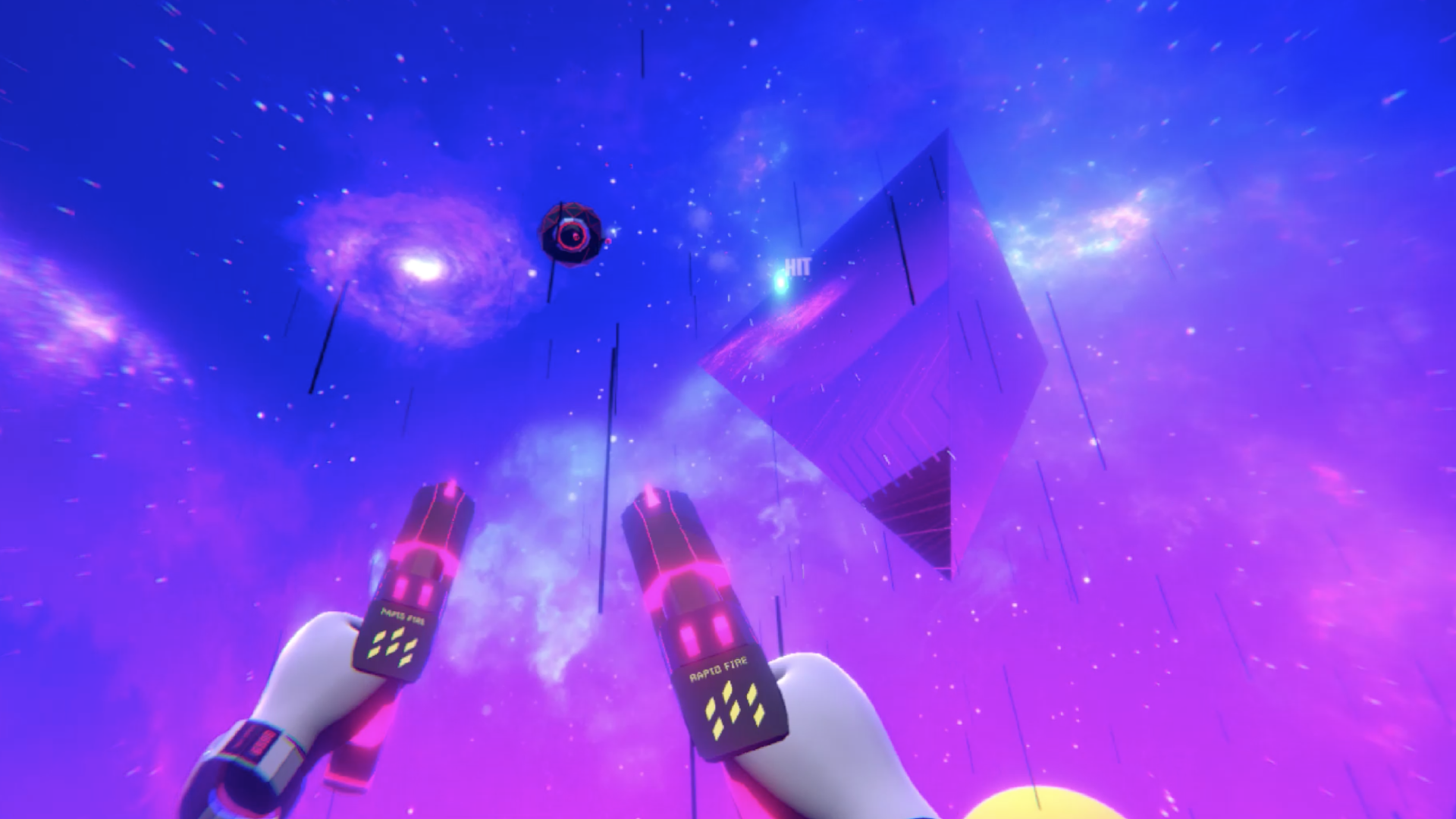
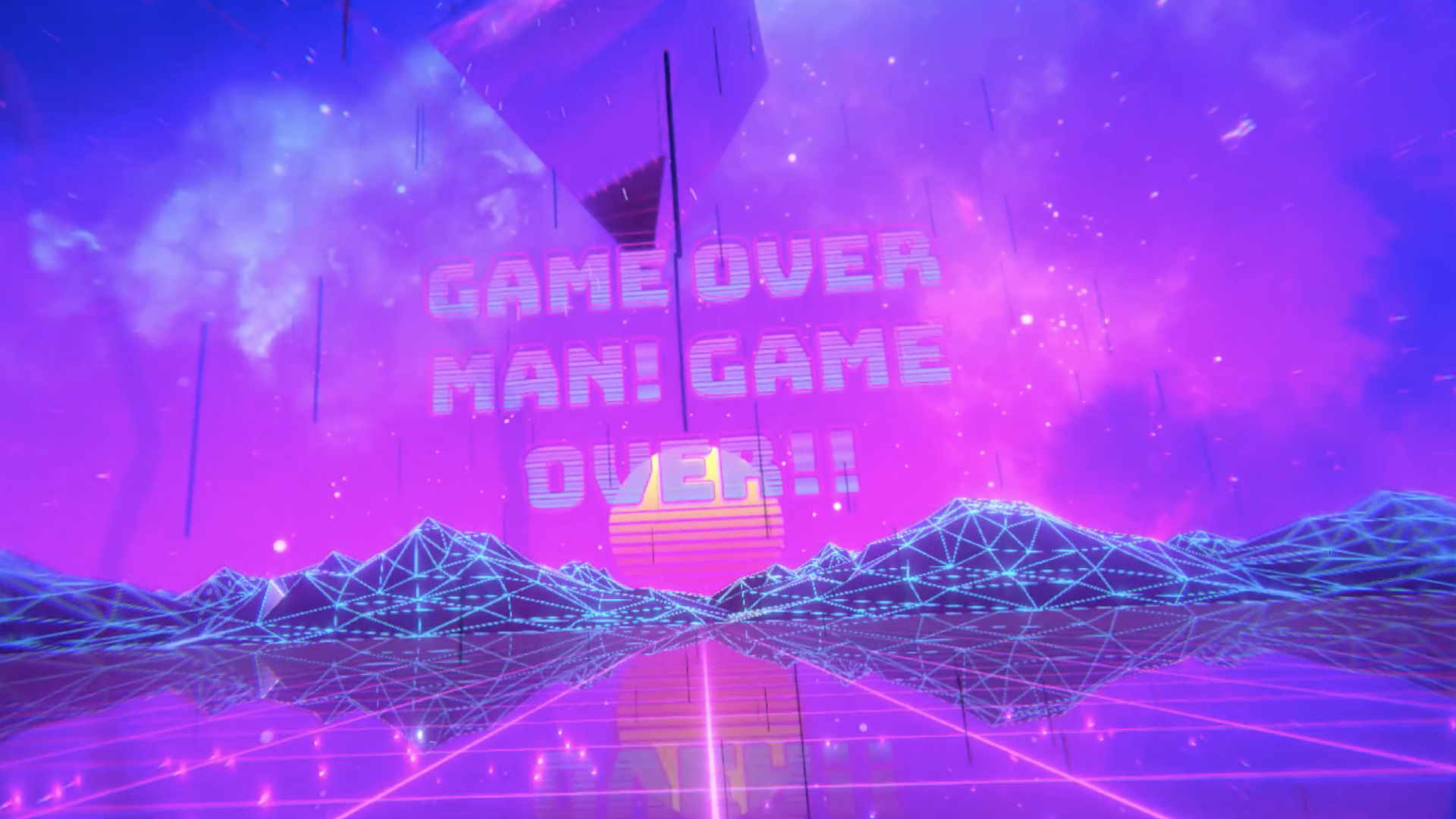
Below are a few screenshots from the latest version of the game.
Download the latest demo
Please contact me if you want to try a demo